WMS integration: why connect your logistics to your B2B e-commerce.
Integrating a WMS with your ERP, OMS, and B2B e-commerce platform synchronizes inventory and orders in real time while making logistics operations more reliable. Discover integration methods, benefits, key project steps, and common pitfalls to avoid when building a more automated and predictive logistics strategy.
Article summary
- Connecting your WMS to your ERP, OMS, and B2B e-commerce platform to synchronize inventory, orders, and shipments in real time.
- Improve inventory reliability and accelerate logistics operations through better management of picking, shipping, and replenishment.
- Choosing the right integration method (API, EDI, or connector) based on your workflows, volumes, responsiveness needs, and available resources.
- Securing your project in 6 steps : scoping, workflow mapping, method selection, data migration, testing, and finally deployment and monitoring.
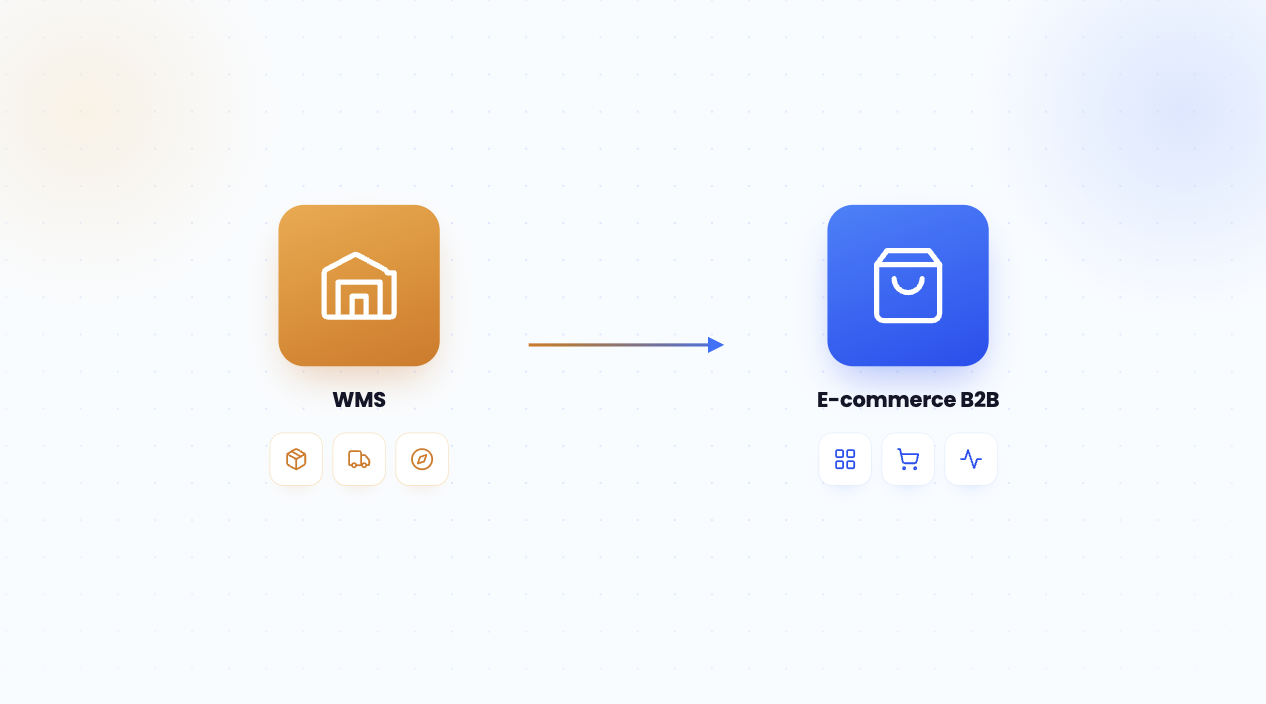
A WMS integration involves connecting your Warehouse Management System to the other components of your IT ecosystem: your ERP, order management system, and B2B e-commerce store. The WMS manages physical warehouse operations (receiving, put-away, order picking, shipping), while the store and ERP handle sales and invoicing. Without a connection, online inventory levels diverge from reality, leading to stockouts, delays, and disputes. A well-executed WMS integration synchronizes stock levels in real time, speeds up order fulfillment, and ensures reliable delivery times. For B2B companies, this turns logistics into a competitive advantage rather than a source of friction.
WMS: Definition and role in B2B e-commerce
A WMS is software that orchestrates the physical operations of a warehouse: it knows the exact location of every item, guides pickers, and optimizes receiving, picking, and shipping workflows. While an ERP manages inventory at an aggregate level (total quantities, accounting valuation), the WMS operates at the level of individual locations and movements in real time. In a B2B e-commerce context, this precision is critical: a professional buyer ordering multiple pallets needs reliable availability, not an estimate. For example, a merchant might show 800 units online while the warehouse has already reserved 300 for another order. Without a connected WMS, the promise turns into a stockout. A common trap is trying to manage logistics solely through an ERP's inventory module; while sufficient for simple workflows, it quickly reaches its limits in multi-warehouse environments. Inventory management in the retail sector illustrates this need for precision. Understanding the challenges ofB2B e-commerce beforehand helps define the scope of your project.
WMS, ERP, OMS: Who manages what in the supply chain
These three systems complement each other across the supply chain. The ERP handles decision-making and invoicing, the OMS receives and allocates orders, and the WMS manages physical execution in the warehouse. For example: an order placed online is recorded by the OMS, allocated to the correct warehouse, and then sent to the WMS, which triggers picking and shipping. The ERP then retrieves the quantities for invoicing and traceability. Quick tip: map out the responsible system for each step (ordering, allocation, preparation, shipping, invoicing) to avoid overlapping areas and duplicate entries.
Why a WMS alone is not enough
A high-performing WMS remains blind to demand if it isn't connected to the sales front end. Buyers now order independently: according to Gartner, 80% of B2B sales interactions take place through digital channels, and customers spend only 17% of their buying time interacting with suppliers. Accurate warehouse stock is useless to the customer if it isn't reflected on the storefront. Digitizing the B2B sales process therefore requires linking the warehouse to e-commerce. For example: an urgent order placed overnight must find up-to-date stock levels without human intervention. A common pitfall: optimizing the warehouse without synchronizing displayed availability, which disappoints buyers despite efficient internal logistics.
6 benefits of successful WMS integration
Connecting your WMS is more than just a technical convenience. The process yields concrete gains in stock reliability, execution speed, and professional customer satisfaction. For a B2B player selling on a unified B2B platform , here are the six most tangible benefits.
- Reliable real-time stock: the store displays accurate availability per warehouse, eliminating false out-of-stock notifications.
- Faster order preparation: optimized and guided picking reduces errors and shipping lead times.
- Less manual data entry: movements are recorded via terminals, eliminating the need for paper-to-ERP transcription.
- Complete traceability: Every item is tracked from receipt to delivery, a requirement in the food and pharmaceutical industries.
- Proactive replenishment: thresholds trigger restocking before stockouts occur, based on real-time levels.
- Improved service levels: faster and more reliable deliveries, a direct selling point for buyers.
5 flows to synchronize between WMS, ERP, and e-commerce
Effective WMS integration doesn't connect everything, but rather the flows that matter, in the right direction and at the right frequency. Each flow must have a clear system of record to avoid write conflicts. The following table suggests a proven distribution for a B2B e-commerce player.
The direction of flows structures the entire architecture. Items flow down from the ERP to the WMS, inventory levels flow up from the WMS to the shop, orders flow down to the warehouse, and shipping statuses flow back to the customer. Documenting these rules in a flow dictionary prevents concurrent writes. Example: the WMS remains the source of truth for physical inventory, while the ERP maintains accounting valuation. A common pitfall: letting two systems claim ownership of stock, which creates unexplained discrepancies. A retail inventory management system well-designed clarifies these roles, and a B2B order management system ensures reliable allocation. Optimizing B2B logistics costs is a direct result of clean data flows.
How to integrate a WMS: methods and connectors
Integrating a WMS means choosing the right exchange mechanism between the warehouse and the rest of the information system. Three approaches dominate: APIs, which allow for real-time, event-driven exchanges; EDI, a historical and standardized method still common in distribution; and native connectors, provided by a vendor for compatible systems. The right choice depends on order volumes, the need for real-time data, technical resources, and existing infrastructure. Example: shipping status flows benefit from event-driven APIs (webhooks), while order exchanges with a logistics partner often rely on EDI. The classic pitfall is multiplying point-to-point connections between every system: maintenance quickly becomes unmanageable. A central integration layer, or hub, reduces this complexity. Choosing the right B2B e-commerce platform involves verifying its integration capabilities.
APIs, EDI, and connectors: which method to choose
Each method has its own use case. APIs offer flexibility and real-time capabilities, making them ideal for synchronizing stock levels and order statuses. EDI remains essential for working with major retailers and carriers. Native connectors speed up implementation when the systems are compatible. For example, to link a WMS to a legacy ERP, a ERP integration strategy often combines connectors and APIs, using batch testing. A quick tip: list your data flows, their daily volume, and their real-time requirements, then assign the most suitable method to each. The roadmap for modernizing from an existing ERP details this progression.
An open architecture for scalable logistics
An open architecture, where each system communicates via standardized interfaces, makes it easier to add new components. An integration hub centralizes and transforms data in transit, avoiding the need to rebuild everything with every change. For example, adding a second warehouse or a new carrier can be done through configuration rather than heavy development. Choosing B2B software with robust APIs is key to this agility. Comparing options to select the best e-commerce platform requires evaluating the depth of its logistics connectors, not just its sales features.
6 steps to a successful WMS integration project
A WMS integration project follows six steps. Each produces a deliverable that determines the next, from scoping to production monitoring. This model limits risks and ensures stock reliability before going live.
Each stage benefits from a short review. Scoping eliminates requests outside the logistics scope. Mapping flows turns business rules into specifications. Data migration is critical: incorrect initial stock levels will compromise the entire system. User acceptance testing validates real-world scenarios, especially edge cases (missing items, full locations, partial orders). The go-live phase requires continuous supervision, as a failed data flow without an alert can desynchronize stock and orders within hours. The method for choosing B2B order management software shares many of these milestones. A common mistake is launching without clean data migration, which leads to stock discrepancies from day one.
WMS, replenishment, and AI: predictive logistics
WMS integration goes beyond simply making existing processes more reliable: it paves the way for predictive logistics. By connecting real-time inventory, sales history, and demand signals, it becomes possible to anticipate needs rather than just reacting to them. AI in the supply chain adjusts thresholds, triggers replenishment, and smooths out seasonal peaks. According to McKinsey, artificial intelligence applied to the supply chain can reduce demand forecasting errors by nearly half. For example, rather than using a fixed threshold, a model automatically raises a product's reorder point before a promotion, based on past sales and available stock. The pitfall lies in automating with dirty data: without reliable inventory from the WMS, AI amplifies errors instead of correcting them. Data flow quality therefore remains the prerequisite.
Inventory-driven automated replenishment
Automated replenishment relies on real-time levels reported by the WMS. As soon as stock falls below its reorder point, a replenishment order is triggered and potentially sent to the supplier.AI and order management automation streamlines this cycle by reducing manual intervention. For example, a food distributor avoids stockouts on high-turnover items by pairing dynamic thresholds with alerts. Quick tip: classify products by turnover (ABC analysis), then define differentiated thresholds, keeping them tighter for critical items. B2B inventory management methods provide further detail on these approaches.
AI and demand forecasting
Demand forecasting turns historical data and external signals into actionable insights. A model learns seasonal patterns, trends, and promotional effects to recommend stock levels. For example, anticipating a surge in orders before a peak period allows you to pre-position products in the right warehouse. The tangible value is measured by the reduction in stockouts and overstock levels—two opposing costs that must be balanced. Using AI to automate order management illustrates these gains. An essential prerequisite: clean stock and sales data, without which forecasts remain unreliable.
5 mistakes to avoid during WMS integration
WMS integration projects often fail for the same reasons. Anticipating them protects inventory accuracy and ensures adoption by warehouse teams. The following table outlines the five most common mistakes and how to avoid them.
DJUST, the B2B e-commerce platform connected to your logistics
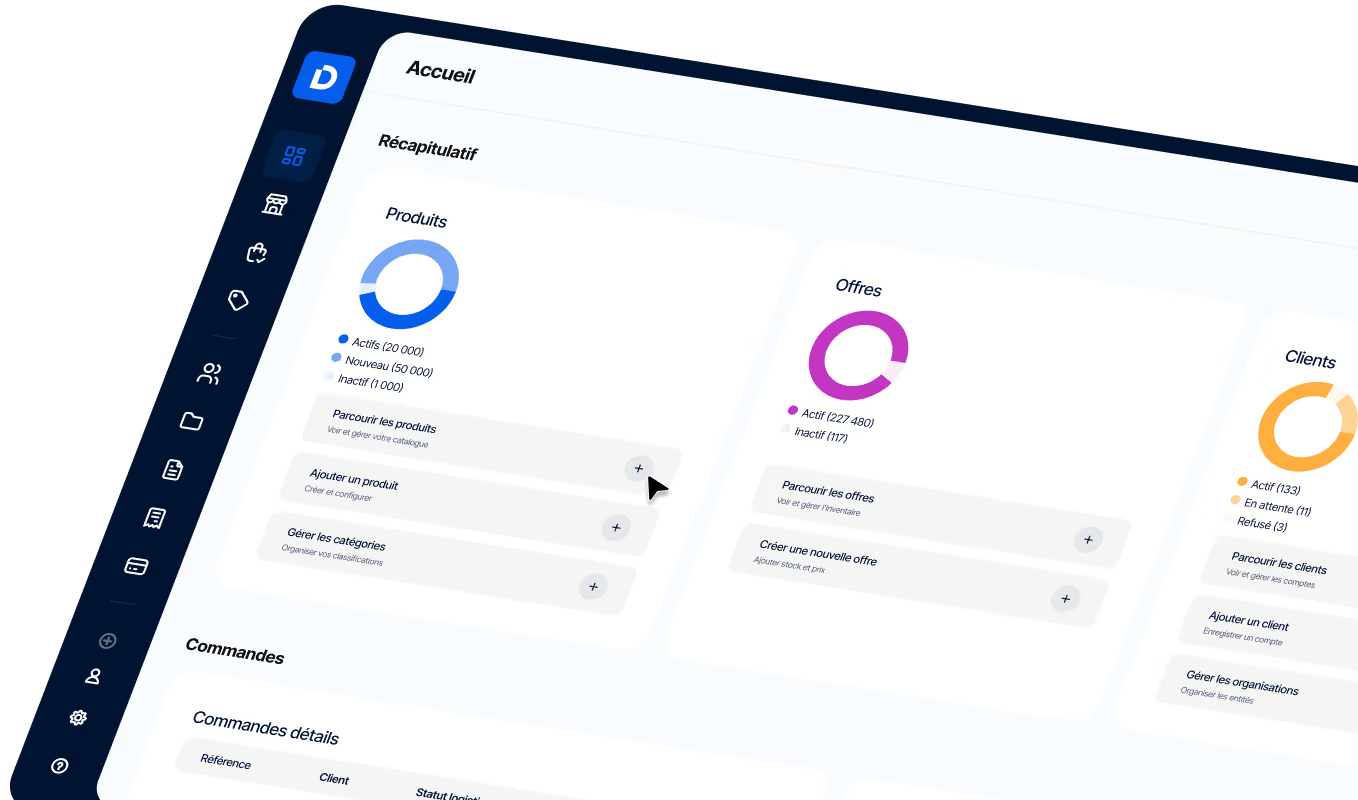
This is precisely where DJUST fits into your supply chain: its B2B e-commerce platform displays real-time stock levels pulled from the WMS, applies account-specific pricing, and transmits orders to the warehouse without manual entry. Thanks to an open, API-first architecture, it connects to your WMS, ERP, and carriers via standardized flows, avoiding the need for multiple point-to-point connections. Its replenishment module extends this logic by triggering restocks based on actual levels, moving toward data-driven predictive logistics. Your buyers benefit from reliable availability and met deadlines, while your logistics teams gain visibility across all flows.
Sources
- Gartner, "Future of Sales": 80% of B2B sales interactions will take place through digital channels by 2025. gartner.com
- Gartner, "Future of Sales" research: B2B buyers spend only 17% of their buying time meeting with suppliers. gartner.com
- McKinsey: AI applied to the supply chain can reduce demand forecasting errors by approximately 20% to 50%. mckinsey.com
- Generix: Implementing WMS software typically takes between 3 months and 1 year, depending on the complexity of the flows. generixgroup.com
FAQ
How long does a WMS integration take?
The timeline depends on the complexity of your workflows and the quality of your data. According to Generix, WMS implementation typically ranges from three months to a year. A simple scope, involving one warehouse and standard workflows, can be deployed quickly. A multi-warehouse project with EDI and extensive customization requires more time. Data migration is a major factor in the overall schedule.

Does the WMS handle replenishment?
The WMS provides the real-time inventory levels that trigger replenishment, but replenishment logic is often handled by the ERP or a dedicated platform. By connecting them, stock falling below its threshold automatically triggers a supplier order. Coupled with AI, this mechanism anticipates demand and adjusts thresholds based on turnover and sales seasonality.
Why connect your WMS to a B2B e-commerce platform?
Because buyers order online and expect reliable stock levels. Without a connection, the store displays approximate availability, which leads to stockouts and disputes over large-volume orders. The integration syncs real-time warehouse inventory with your storefront and transmits orders to the WMS for rapid fulfillment. Logistics becomes a competitive advantage.
What is the difference between a WMS and an ERP?
An ERP manages a company across all departments: finance, purchasing, invoicing, and inventory at an aggregate level. A WMS focuses on physical warehouse operations: exact item locations, order picking, receiving, and shipping, all in real time. The two complement each other. The ERP handles decision-making and invoicing, while the WMS handles execution. Connecting them eliminates double entry and ensures inventory accuracy.
Is a WMS integration suitable for SMEs?
Yes, as soon as logistics becomes a strategic priority. SaaS-based WMS solutions make integration accessible without the need for heavy infrastructure. For an SME, the key is to define a realistic scope, ensure data reliability, and choose scalable tools. A single warehouse with straightforward workflows can start with an ERP inventory module, then transition to a connected WMS as volumes grow.
Which integration method should you choose: API or EDI?
The two often coexist. APIs are well-suited for real-time exchanges, such as syncing inventory and shipping statuses. EDI remains essential for large retailers and carriers that mandate its use. The choice is made on a flow-by-flow basis, depending on volumes, required responsiveness, and the partners involved. A central integration layer simplifies management when combining these methods.

.avif)