B2B Order Automation: Save Time
Optimize your B2B orders with workflow automation, KPI tracking, and a clear approach to saving time and making your processes more reliable
Article summary
- B2B order automation replaces the manual steps in the order cycle—receipt, entry, validation, ERP integration, and confirmation—with digital workflows that run without human intervention.
- Order automation dramatically reduces processing time and errors, often by several times over, improving both productivity and operational reliability.
- 5 workflows take priority: multichannel capture, automatic ERP entry, validation and approval, customer confirmation, and replenishment.
- Automation isn't just about technology: it also requires mapping existing workflows, cleaning up product catalog data, and supporting customer service teams.
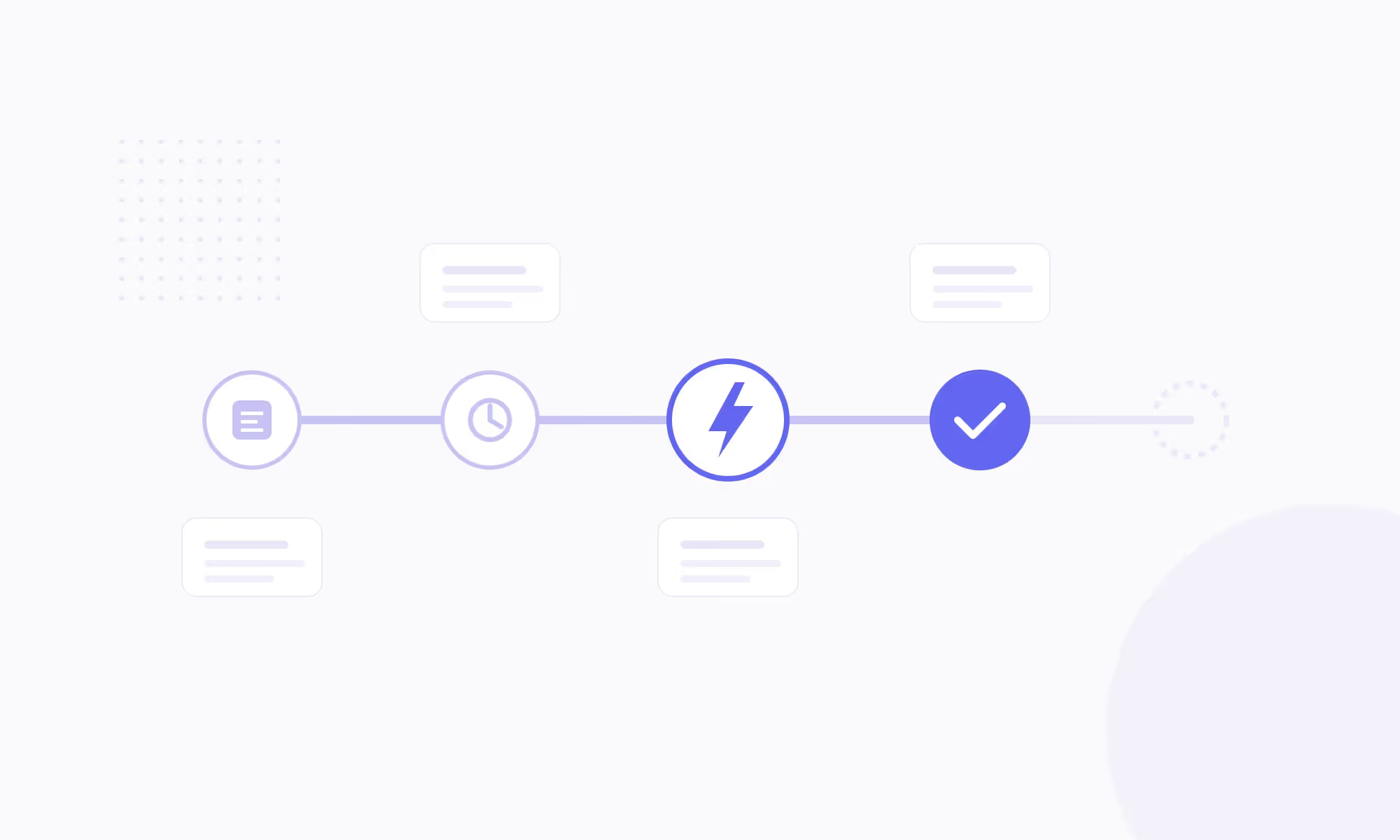
B2B order automation refers to the technologies and processes that let businesses process orders without manual intervention, from the moment a request is received to ERP integration and customer confirmation. It covers order capture across every entry channel (email, e-commerce portal, EDI, phone, fax), automatic entry into the IT system, validation against predefined business rules, and the triggering of downstream steps such as picking, shipping, and invoicing.
In most B2B companies, order processing is still largely manual. Sales operations teams spend hours re-entering orders received by email in PDF, Excel, or free-text format into the ERP. Each re-entry takes 5 to 15 minutes and creates a risk of errors in product references, quantities, or pricing. At the scale of a 5-person team handling 200 orders per week, that adds up to more than 30 hours of pure data entry every week — the equivalent of a full-time role.
This article covers the B2B order flows you should automate first, the deployment method, and the KPIs to track. For a closer look at the specific role of artificial intelligence in this area, read the dedicated article on AI in order management.
What Is B2B Order Automation?
B2B order automation covers the full order-to-cash cycle, from the moment a business buyer expresses a need to the moment the order is integrated into the ERP and the logistics workflow is triggered. This scope includes order capture, regardless of format or channel; data entry into the IT system (references, quantities, pricing, delivery address); validation against business rules (stock checks, credit checks, contract terms); automatic customer confirmation; and the launch of fulfillment.
The difference from simple digitization matters. Digitization means moving from fax to email. Automation means making sure an email containing a PDF purchase order is read, interpreted, checked, and integrated into the ERP without a human touching the process.
A common mistake is to confuse tooling — an e-commerce portal, OCR software — with end-to-end process automation. An e-commerce portal removes manual entry for online orders, but it does not solve the problem of orders received by email, phone, or EDI, which often account for more than 60% of order volume in traditional B2B companies.
Scope of B2B Order Automation
| Cycle step | Manual processing | Automated processing |
|---|---|---|
| Order capture | Sales ops opens the email and reads the PDF | The system automatically captures and parses it |
| ERP entry | Manual re-entry line by line | Direct injection via API or EDI |
| Validation | Manual checks (stock, pricing, credit) | Automated business rules with alerts |
| Customer confirmation | Manual confirmation email | Automatic confirmation with order number |
| Logistics trigger | Manual handoff to picking | Automatic routing to the warehouse |
For companies that sell through multiple channels (e-commerce site, sales team, marketplace), automation relies on a centralized order management system that standardizes all incoming flows, regardless of format, and routes them into a unified process.
Why Automate: 4 Measurable Gains
B2B order automation is not an innovation project. It’s a productivity project with measurable ROI from the first few months. Four gains consistently stand out in companies that make the shift.
- Less processing time. The time between receiving an order and integrating it into the ERP drops from 20-45 minutes (manual entry) to less than 5 minutes (automated). For a sales ops team processing 40 orders a day, that means 10 to 25 hours recovered every week. Those hours can be redirected to customer relationships, negotiation, or exception handling.
- Fewer errors. Every data entry error — wrong reference, incorrect quantity, wrong price — triggers a costly chain reaction: credit note, return, ERP correction, customer call, logistics rework. The error rate falls from 5-8% with manual entry to less than 1% with automated processing. On 1,000 monthly orders, that means 50 to 70 disputes avoided.
- More capacity without hiring. Automation lets teams process more orders with the same headcount. When volume rises by 30% (seasonal peak, new customer, organic growth), there’s no need to hire another sales ops specialist. The tool absorbs the load; people handle the exceptions.
- Faster order-to-cash cycles. The faster an order is processed, the faster it ships, and the faster it gets invoiced. Automation shortens the average delay between order and invoice, which improves cash flow. For a B2B distributor with €10M in revenue and a 45-day DSO, cutting 5 days from DSO frees up about €140,000 in cash flow.
5 B2B Order Flows to Automate First
Not every order flow delivers the same ROI when automated. The prioritization rule is simple: task frequency x time per task x risk of error. Here are the 5 flows that consistently score highest.
Multichannel Order Capture
This is the starting point for automation. B2B orders come in through multiple channels: emails with PDF purchase orders, e-commerce portals, transcribed phone calls, EDI forms, and sometimes even fax. The goal is to capture every order in one place, regardless of the original format. The technologies used vary by channel: OCR and natural language processing for emails and PDFs, APIs for the e-commerce portal, and EDI connectors for structured exchanges.
The trap to avoid: automating just one channel — the e-commerce portal, for example — and leaving 60% of email orders to be handled manually. Automation has to cover all channels to pay off.
Automatic ERP Entry
Once the order has been captured and the data extracted (references, quantities, pricing, delivery terms), the next step is direct injection into the ERP without re-entry. For EDI orders, this is native. For orders coming from an e-commerce portal, it happens through an API connection between the B2B e-commerce platform and the ERP. For email orders, OCR combined with product-matching rules creates the ERP entry.
The KPI to track: the percentage of orders integrated into the ERP without human intervention (straight-through processing rate). The target is to exceed 85%.
The other three flows complete the chain:
- Automatic validation and approval. Configure business rules in the OMS or ERP to automatically validate compliant orders (available stock, sufficient customer credit, contract-compliant pricing) and route exceptions to a human operator. The goal: 70 to 80% of orders should pass validation without intervention.
- Automated customer confirmation. As soon as an order is validated, the system automatically sends an acknowledgment with the order number, confirmed references, estimated delivery time, and payment terms. This eliminates follow-up calls (“Did you receive my order?”) that eat up sales ops time.
- Replenishment trigger. For recurring customers, automation can go as far as automatically triggering a supplier order when stock falls below a defined threshold. This flow connects customer order management with purchasing, creating a closed loop that secures product availability.
How to Deploy Automation: A 4-Step Method
Deploying B2B order automation follows an iterative logic: start with the most painful flow, prove the ROI, then expand. The most common mistake is trying to automate every channel at once, which multiplies technical workstreams and internal resistance.
Order Automation Deployment Plan
| Phase | Duration | Deliverables |
|---|---|---|
| Flow mapping | 2 weeks | Channel inventory, volume by channel, average processing time |
| Catalog and data cleanup | 2-4 weeks | Unified product master data, customer/supplier item code mapping |
| Pilot on 1 channel | 4-6 weeks | Automation of the priority channel, KPI tracking, adjustments |
| Gradual expansion | 8-12 weeks | Each additional channel activated, STP rate > 85% |
Phase 1: map the flows. Bring the sales ops team together for a 2-hour workshop. The goal: list every channel through which orders arrive (email, phone, portal, EDI, marketplace), estimate volume by channel, and measure the average processing time per order. This mapping almost always reveals that 2 channels account for 80% of the volume.
Concrete example: an industrial supplies distributor discovers that 55% of its orders arrive by email (PDF), 25% through the e-commerce portal, 15% via EDI, and 5% by phone. The email channel becomes the top automation candidate.
Phase 2: clean up catalog data. Order entry automation depends on the system’s ability to recognize the products being ordered. If the product master data is inconsistent (the same product with 3 different codes, unstandardized descriptions, outdated prices), the automatic matching rate will be low.
Concrete action: create a mapping between the item codes used by your 20 largest customers and the codes in your internal master data. This preparation work directly determines the straight-through processing rate. Companies that skip it end up with a 40% STP rate instead of 85%, which wipes out a large share of the expected gains.
Phase 3: launch a pilot. Roll out automation on the priority channel with 5 to 10 pilot customers. Measure the STP rate (orders processed without intervention), the residual error rate, and the average processing time. Compare the results with pre-automation figures. If the STP rate is above 70% and the error rate is below 2%, the pilot is validated. The B2B sales process becomes smoother at this stage, because sales ops teams can focus on exceptions and customer relationships instead of data entry.
Phase 4: expand channel by channel. Each additional channel (EDI, marketplace, phone) is activated using the same logic: data mapping, pilot with a few customers, KPI tracking, then rollout. For companies that also sell through distributor networks, an automated B2B marketplace makes it possible to centralize orders from all partners into a single flow.
4 KPIs to Measure Automation ROI
B2B order automation is an investment whose return must be proven with objective metrics. Four KPIs cover the essential dimensions: productivity, quality, speed, and capacity.
B2B Order Automation KPIs
| KPI | Formula | Target | Tracking frequency |
|---|---|---|---|
| Straight-through processing (STP) rate | Auto orders / Total orders | > 85% | Weekly |
| Residual error rate | Orders with errors / Total | < 1% | Monthly |
| Average processing time | Receipt → ERP integration delay | < 5 min | Weekly |
| Volume processed per FTE | Orders / Number of sales ops staff | +50% vs. before | Monthly |
The most strategic KPI is the STP rate, because it reflects the overall maturity of automation. A rate of 85% means only 15% of orders require human intervention, which corresponds to exception cases (out-of-catalog order, unlisted price, special request). Tracking this rate weekly makes it possible to spot issues quickly — a new customer whose item codes haven’t been mapped, a change in purchase order format — and fix them before they affect productivity.
Order automation doesn’t replace B2B order management; it’s the foundation for it. An OMS (Order Management System) orchestrates orders once they’re entered into the system, while upstream automation ensures the entry itself is reliable, fast, and manual-free. The two layers work together.
Companies that digitize both order capture and automated quote generation see a ripple effect: customers who get a quote in seconds and place an order in one click don’t go back to manual methods like email or phone.
Choosing the right B2B platform is critical to reaching this level of performance. An API-first platform, natively connected to the ERP and able to handle B2B specifics such as customer-specific pricing, recurring orders, and approval workflows, lays the groundwork for full order-cycle automation.
To go deeper and understand how B2B e-commerce trends are accelerating automation adoption, the dedicated article breaks down the technology shifts and the expectations of business buyers.
FAQ
What Is B2B Order Automation?
It uses technologies such as OCR, APIs, EDI, and workflows to process B2B orders without manual intervention, from purchase order receipt through ERP integration. The goal is to eliminate rekeying, reduce errors, and speed up processing times to improve order management team productivity.

What’s the difference between EDI and AI automation?
EDI exchanges structured data between systems in a standardized format (EDIFACT, X12). It’s reliable, but it requires the customer to have the right technical setup. AI automation (OCR, NLP) reads and interprets unstructured orders (emails, PDFs) without requiring any changes on the customer’s side. The two approaches are complementary: EDI covers large accounts, while AI handles the rest of the portfolio.
How long does it take to automate B2B orders?
A first channel, whether email or a B2B e-commerce portal, can be automated in 6 to 10 weeks, including the pilot. Extending automation across all channels usually takes another 4 to 6 months. The most time-consuming part isn’t the technology — it’s cleaning up the product master data and mapping item codes by customer.
What ROI can you expect from order automation?
The first visible ROI is the time saved by customer operations teams, measurable as early as month 3. For a team of five customer operations specialists, automation frees up the equivalent of one full-time role on average. The second ROI is the drop in disputes caused by data entry errors, which can amount to tens of thousands of euros per year depending on order volume.
Do you need an OMS to automate B2B orders?
An OMS (Order Management System) isn’t essential for automating order entry, but it becomes necessary when orders come in through multiple channels. The OMS centralizes, normalizes, and orchestrates orders, no matter where they originate. Without an OMS, each channel follows its own workflow, creating silos and limiting the benefits of automation.




.jpg)