Why integrate your sales management with your ERP?
A B2B order arrives by email. It must be re-entered into the ERP, the negotiated price for that client verified, and the available stock confirmed. Between the request and the recorded order, time is lost to administrative tasks. Integrating sales management with the ERP eliminates these manual steps and streamlines the sales process.
Article summary
- An ERP centralizes stock, pricing, orders, and invoicing, becoming the single source of truth for your sales tools.
- Without integration, orders received via email or file must be manually re-entered, which slows down quotes and increases pricing or stock errors.
- Connecting sales management to the ERP eliminates double entry, synchronizes stock and pricing in real time, and triggers invoicing as soon as an order is validated.
- Project success relies on clean data, an ERP equipped with APIs or connectors, team buy-in, and clear data governance.
What is an ERP and what role does it play in your company?
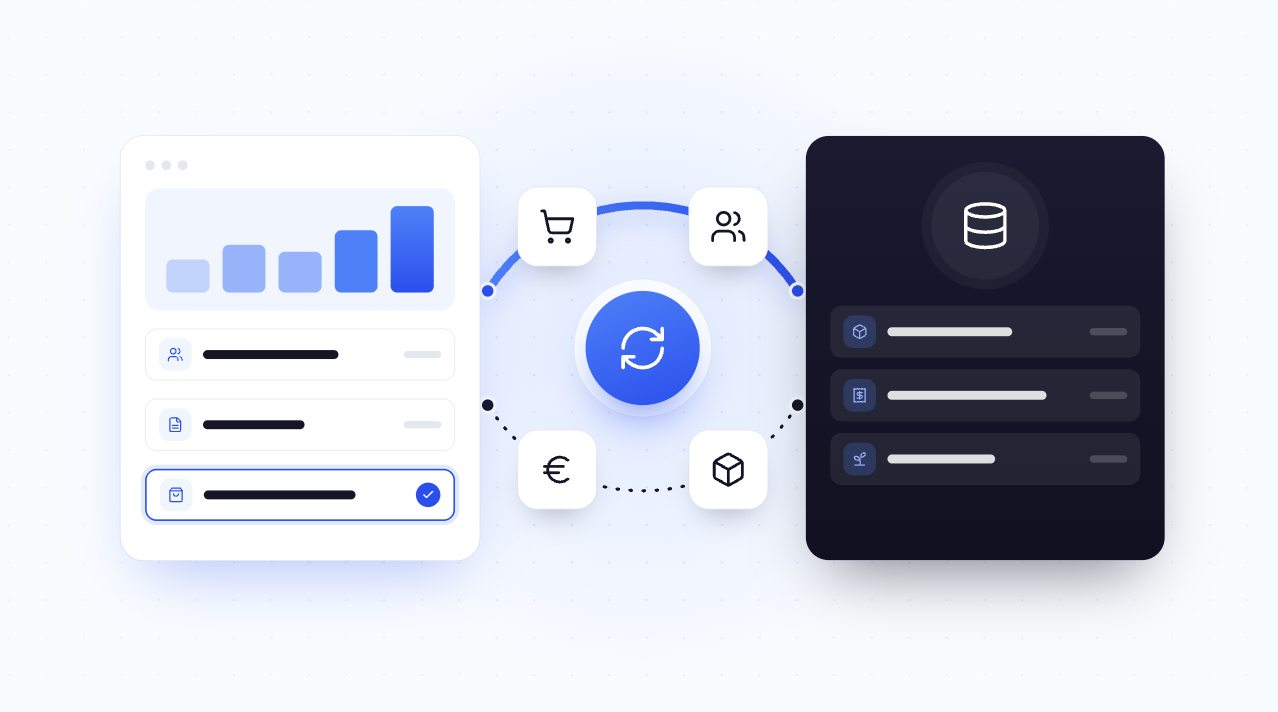
An ERP (enterprise resource planning system) centralizes a company's operational data into a single source of truth: inventory, billing, customer accounts, and orders. Your teams work from a shared foundation, instead of dealing with conflicting, duplicated information scattered across disconnected tools.
For an SME or mid-market company, the question of "why an ERP" is essentially asking how to prevent each department from maintaining its own version of reality. The ERP holds the structural data: what you sell, at what price, to whom, and in what quantity. It is the operational foundation that makes automation reliable. Without a central repository, each sales tool reconstructs its own database, and discrepancies multiply.
However, your sales tools must be connected to it. An isolated ERP, cut off from your sales channels, only recreates the fragmentation it was meant to fix. An ERP truly delivers value when sales management is seamlessly integrated and workflows flow smoothly between sales and back-office operations. Integrating an ERP with your sales tools turns a static repository into a dynamic, living system continuously fueled by every customer interaction.
Data fragmentation holds your sales teams back
In many B2B companies, orders come in via email, spreadsheets, or phone calls. Each channel requires manual re-entry into the ERP. Negotiated customer pricing isn't synchronized between the ERP and sales tools. Stock levels shown on the customer portal don't match warehouse reality. 43% of leaders view data silos as a major challenge, and barely 12% of executives report having fully connected, accessible data [1].
The cost of this fragmentation is measured in wasted time and errors. A salesperson might lose precious time verifying a price and stock level for a single quote, even though the information already exists in the ERP but is inaccessible from their sales tool. Quotes take longer, incorrect prices are communicated, and stock shortages go unanticipated.
In terms of customer relations, the consequence is direct: delayed responses, eroded trust, and lost orders. Your teams don't lack information; they lack accessible, reliable, and synchronized information.
For example: a regular customer requests a quote for 500 SKUs with their custom pricing terms. The sales rep opens the ERP, exports the price list, checks inventory line by line, re-enters the data into their quoting tool, and then manually keys in the order once approved. Three tools, two rounds of data re-entry, and 45 minutes spent on a process where the information already exists somewhere. With an ERP connected to your sales tool, the quote is generated with accurate pricing and real-time inventory in just a few clicks.
What are the concrete gains of integrating sales management with your ERP?
Integrating sales management with the ERP transforms fragmented processes into automated workflows. Three benefits stand out as the most directly measurable for your teams.
End of manual re-entry and time reclaimed by sales staff
Orders entered on the sales side automatically feed into the ERP, with no double entry. Your sales staff no longer have to copy order lines received by email into another system. The risk of entry errors between tools is significantly reduced.
The time saved is reinvested into negotiation and customer relations. A salesperson who no longer has to manually verify every price and stock level can handle more requests throughout the day, follow up with clients more actively, and prepare their outreach with more context. Eliminating re-entry means reclaiming sales time every week, without needing to hire or reorganize the team.
Stock, pricing, and orders synchronized in real time
Real-time data synchronization gives your sales staff immediate visibility into available stock, directly from their sales tool. Client-specific pricing is up to date everywhere, without manual verification in the ERP. Orders validated on the sales side trigger invoicing in the ERP, which accelerates the billing cycle and improves your cash flow.
In practice, a customer requesting a specific quantity receives a reliable confirmation within minutes, not hours. The gap between what sales promises and what logistics can deliver disappears. You can automate your B2B orders without worrying about sharing outdated information.
Large catalogs and client-specific pricing managed from the ERP
Tiered pricing structures per customer account are managed in the ERP and fully visible to sales. Complex catalogs (thousands of SKUs, custom B2B terms) are structured and shared without manual re-entry. Quotes are generated with the right pricing terms, eliminating any discrepancy between the negotiated price and the invoiced amount.
For an SME managing hundreds of clients with different terms, this point is decisive. Connected ERP sales management ensures that every quote reflects the contractual reality, without the salesperson needing to manually intervene to verify or correct it. B2B catalog and pricing rule management relies on the ERP as the single source, and sales tools distribute the content without duplicating it.
The conditions for a successful ERP integration
Several conditions determine the success of an ERP integration. Ignoring them exposes the project to delays, internal resistance, or degraded data.
Data quality comes first. Clean catalogs, consistent pricing, and up-to-date product repositories: if the ERP data is incorrect or incomplete, integration will propagate errors faster. Clean and structure your data before connecting your tools.
Connectivity comes next. The ERP must expose APIs or connectors to communicate with sales tools. Without an exchange interface, integration runs into costly and fragile custom development. Verify that you can connect your existing tools before committing to the project.
Support and adoption are just as important as the technology itself. Your teams need to understand what is changing in their daily routine and why. A salesperson who views integration as an extra burden will not use it to its full potential. Explain the concrete benefits: less manual data entry and more time to sell.
Finally, data governance must be defined. Who maintains product references? Who resolves stock discrepancies between the ERP and the logistics system? Without a clear owner, data quality degrades and the integration loses its value. Appoint a lead for each domain (catalog, pricing, stock) and establish a regular audit schedule.
DJUST connects your sales management to your ERP
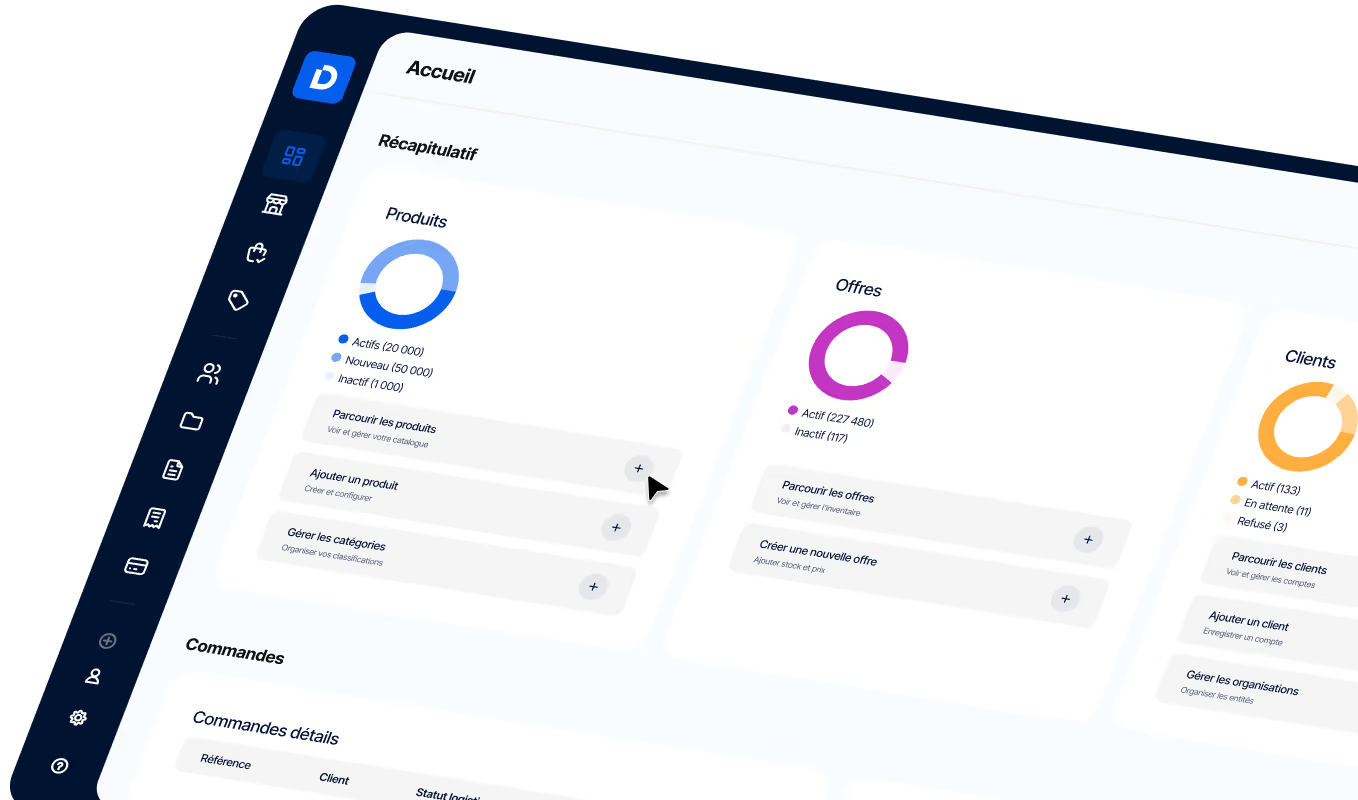
The DJUST platform sits between your ERP and your sales tools as an orchestration layer. We connect your existing systems without replacing your current ERP: no new ERP to deploy, no heavy migration. DJUST links what is already there.
DJUST Sales automates B2B orders—whether they arrive via email, file, or portal—and converts them into actionable orders directly in your ERP. Your sales reps spend less time re-entering and cross-checking data, and more time selling.
Real-time synchronization of stock, prices, and catalogs between the ERP and sales channels ensures that everyone is working with the same data. Your negotiated prices, available stock, and B2B terms are visible and up to date everywhere.
Sources
[1] Workday,https://www.workday.com/fr-fr/perspectives/ai/key-benefits-crm-erp-integration.html, 21 mai 2026
FAQ
Is an ERP essential for automating B2B sales management?
Below a certain order volume and pricing complexity, standalone tools may suffice. Beyond that, an ERP becomes the essential source of truth: it holds the inventory, pricing, and billing data that make automation reliable. Without a central ERP, sales tools simply replicate the fragmentation they are meant to fix.

How long does it take to integrate sales management with an ERP?
The timeline depends on three factors: the quality of your reference data (catalog, pricing), the number of systems to connect (ERP, sales tools, Order Management System), and the volume of items to synchronize. Integration via API connectors with an existing ERP and clean data is generally faster than a project requiring custom development or data migration.
Does ERP integration replace an OMS or a CRM?
No. The ERP manages the master data and accounting. The OMS orchestrates order flows (allocation, rerouting, exceptions). The CRM manages customer relationships. ERP integration is about making them communicate, not merging them. In a complex B2B environment, these three layers remain complementary.
Do you need to change your ERP to integrate your sales management?
No. Connectors allow you to link your existing ERP to sales tools or a platform like DJUST. Integration builds on what you already have: as long as your ERP provides APIs or structured data feeds, there is no need to replace it.