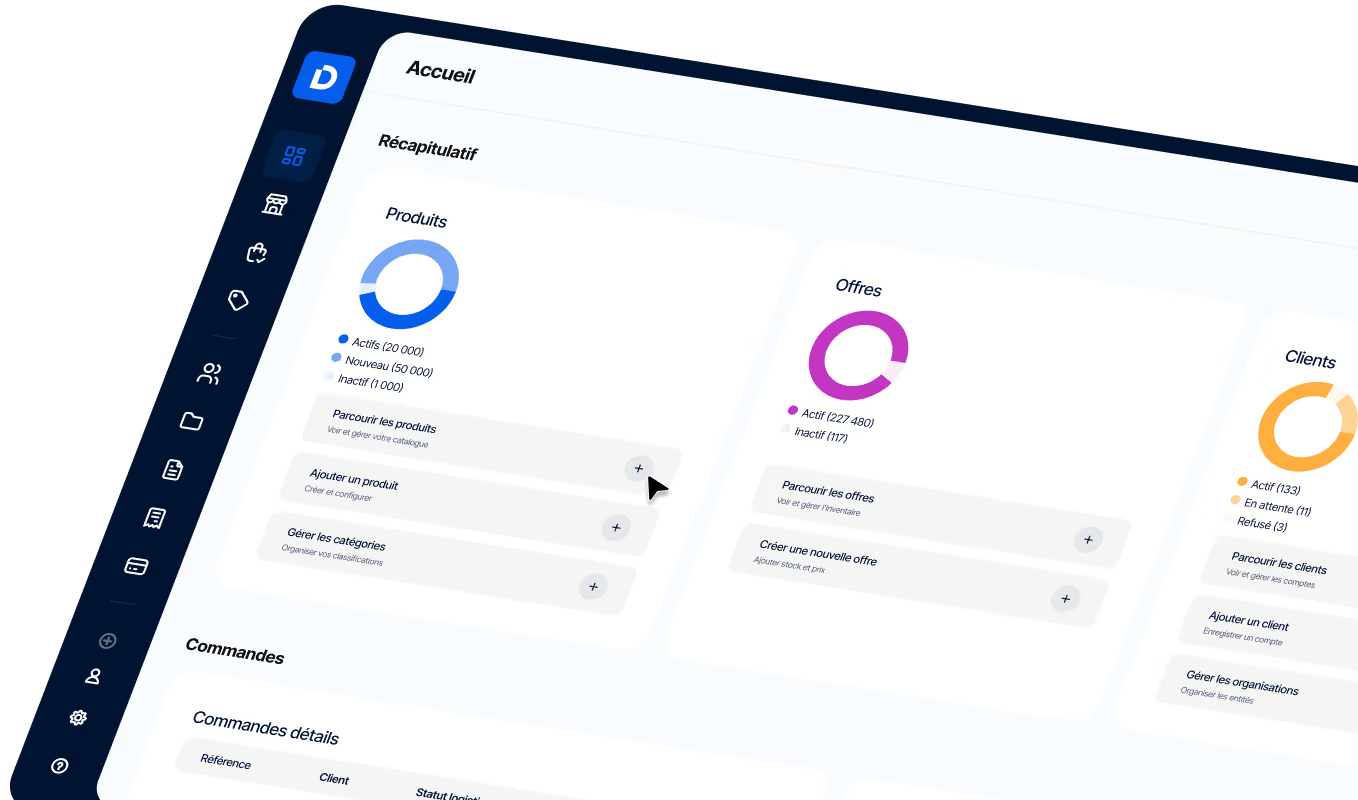
Balancing Scalability and E-Commerce Performance
Read DJUST’s guide to understand the difference between e-commerce scalability and performance, and get tips for achieving both with your site.
Article summary
- Scalability is your site’s ability to handle more visitors and orders without slowing down or crashing.
- Performance refers to how fast, user-friendly, and responsive your e-commerce site is.
- Scalability and performance go hand in hand. A slow, unresponsive site simply can’t handle a spike in traffic or order volume.
- Choose the right tools. The hosting, software, and e-commerce platform you use directly affect your ability to scale and maintain peak performance.
- Monitor and adapt. Keep a close eye on your site speed and traffic trends. These insights will help you refine your e-commerce strategy, hit your goals, and support steady growth.

Scalability vs. e-commerce performance: what’s the difference?
Before looking at how the two work together, it’s important to clearly distinguish performance from scalability.
Scalability
In e-commerce, scalability refers to your store’s ability to handle growth in traffic, orders, and requirements as your business expands. A scalable e-commerce system can absorb sharp traffic spikes during busy periods — sales, holidays, promotions — and easily adapt as your product catalog and customer base grow.
There are two main types of scaling in e-commerce:
- Vertical scaling (scaling up): you increase the power of your existing server by adding RAM or upgrading the CPU.
- Horizontal scaling (scaling out): you add servers and distribute the workload across them.
Performance
Performance is about speed, responsiveness, and the overall impact of your site on the user experience. Google’s Core Web Vitals (CWV) are the benchmark metrics for performance. They include:
- Largest Contentful Paint (LCP): the time it takes for the main image or text on your page to load. In other words, how quickly users see the most important part of your site.
- Interaction to Next Paint (INP): how quickly your site responds to clicks and interactions. A low INP score means your site responds instantly.
- Cumulative Layout Shift (CLS): measures whether buttons, images, or text move unexpectedly while the page is loading. A low CLS score ensures a smooth experience where elements stay in place.
These CWV metrics give you a clear view of how users perceive your site’s performance.
Why both are essential in B2B e-commerce
If your site’s performance is poor, scaling becomes difficult — if not impossible. And an e-commerce site that can’t perform or scale will hold back your growth.
B2B growth can be unpredictable, with sudden spikes in orders or new customers. Your site needs to scale quickly to absorb that demand, whether it comes from a successful marketing campaign or a seasonal rush.
As your business grows, so does your catalog. A scalable e-commerce site makes it easy to add new products, categories, and detailed technical sheets.
On the performance side, B2B buyers are getting used to the seamless experiences they see in B2C. A slow or unstable site frustrates them, damages your brand, and makes it harder to close deals.
What’s more, B2B transactions often involve multiple steps, in-depth product comparisons, and access to customer-specific information. A high-performing site keeps those processes smooth and intuitive.
If your site is publicly accessible, strong performance and scalability can also improve your SEO: Google and other search engines favor fast, user-friendly sites. The result: more visibility, more clicks, more potential sales.
In short, a site that performs well and scales effectively is one of your best assets for retaining customers, attracting more visitors, and growing your business.
6 tips for balancing e-commerce scalability and performance
Here are a few practical tips to help you strike that balance.
Feel free to share these with your IT team or an external provider, especially if some of the points feel too technical.
1. Choose the right hosting solution
Hosting is the foundation of your e-commerce site — and the solution you choose directly affects both performance and scalability. The most common options for B2B e-commerce are:
Cloud hosting
Cloud hosting offers flexibility and scalability. Resources adjust based on demand, making it an ideal option for B2B sites with traffic fluctuations or rapid growth. You can choose a VPS (virtual private server), managed cloud, or PaaS (Platform as a Service), depending on the level of control and technical responsibility you want. Cloud hosting is often usage-based, which can make it cost-effective.
A dedicated server
A dedicated server, including in the cloud, offers the highest level of control and performance — ideal for large B2B sites with complex requirements that need guaranteed availability. Fully reserved for your use, it delivers stable performance and can be finely tuned to your specific needs. On the downside, it’s one of the most expensive hosting options.
Enterprise-grade hosting
B2B SaaS e-commerce platforms typically include enterprise-grade hosting. That simplifies setup and reduces internal technical requirements. The platform handles resource scaling as needed, and hosting is often included in the monthly or annual subscription, which keeps costs predictable.
Making DJUST a SaaS solution was a strategic choice. We wanted to find the ideal balance between flexibility, performance, and cost efficiency for our customers. Cloud hosting is at the heart of that strategy, allowing us to optimize costs while delivering the scalability and reliability B2B e-commerce demands.
Expert tip: Already have hosting but your site is slow? It may be time to level up — for example, by moving from shared hosting to the cloud — or switch providers. Choosing a more scalable solution can help your site keep pace with growth and handle spikes without a hitch.
2. Make sure your e-commerce platform is built to perform and scale
If your e-commerce platform is slow or can’t handle traffic spikes, it can hurt sales and the customer experience. That’s why it’s critical to make sure it’s optimized for performance.
The best platforms:
- Offer performance features: fast image loading, automatic updates, and content compression to improve load times and the user experience.
- Include auto-scaling capabilities, such as load balancing tools, so your site can absorb traffic and order spikes without crashing.
- Provide database optimization tools, including query caching and indexing, to speed up data retrieval and improve site responsiveness.
- Use advanced caching and a CDN (or offer CDN integration) so your pages load quickly, wherever your customers are.
- Let you easily manage server resources by adjusting memory and storage based on site activity.
- Include built-in tools to detect and fix performance issues before they become critical.
If your current platform doesn’t meet these criteria, consider switching. Start by identifying what’s missing or causing problems, then look for platforms known for scalability and performance, and contact vendors to discuss migration options.
Expert tip: When choosing a platform, it’s also worth weighing SaaS against on-premise solutions in terms of scalability and control. You should also compare SaaS vs. PaaS vs. IaaS: SaaS simplifies updates and reduces maintenance, PaaS is better suited to developers, and IaaS gives you more control over the infrastructure.
3. Optimize your site design and assets
A clean, optimized design makes your site faster and easier to use. Start by organizing your menu and categories logically. Use clear labels — for example, “Buy now” — and avoid visual clutter. It’s also important that your e-commerce copy gets straight to the point: use clear headings, concise product descriptions, and bullet points whenever possible. Avoid long paragraphs and unnecessary jargon.
To improve performance further, compress your product images with image optimization tools like TinyJPG or Kraken.io, which reduce file sizes without sacrificing quality.
You should also optimize your CSS and JavaScript files with a minifier such as CSS Minifier or JavaScript Minifier. These tools remove unnecessary code from your files, reducing load times.
4. Set up a content delivery network (CDN)
A CDN is like storing your site’s files around the world. That way, when a visitor accesses your site, images, videos, and other files load from the nearest server instead of a distant source. This makes your site much faster, especially if you have international visitors.
Cloud providers like Amazon Web Services and Azure offer built-in CDN solutions. If you don’t use a cloud provider, you can turn to third-party CDNs like Cloudflare, Akamai, or Fastly.
5. Optimize your database and queries
Think of your database as the heart of your e-commerce site. When it slows down, everything slows down. To keep it in top shape:
- Structure it properly. Set up tables for different types of information — customer data, products, orders — and link related data together. For example, connect a customer’s order history to their account details so past purchases can be retrieved faster.
- Use indexes wisely. Indexes are shortcuts for your database, helping it find specific information faster. But too many indexes can slow things down too. Focus on indexing important, frequently used fields, such as product names or customer IDs.
- Use caching to speed things up. Use caching systems like Redis or Memcached to store frequently accessed data in a fast-access layer, reducing the load on your main database. Analyze your site traffic and consider caching data that’s often viewed but rarely changed, such as homepage images.
6. Monitor and test performance
Your e-commerce site is a living system: it needs regular checkups to stay healthy. Here’s how to monitor performance and make sure it can support growth:
- Set up automated checks. Use automated performance testing tools like Apache JMeter or LoadRunner to run continuous checks on your site. They help you spot potential issues before customers run into them.
- Simulate traffic spikes. Regularly run load tests that simulate a large number of visitors accessing your site at the same time. This helps you verify that it can handle major flash sales or sudden traffic surges.
- Track real-world experience. Use real user monitoring (RUM) tools to observe your site’s performance under real conditions. RUM goes beyond simple speed tests and gives you deeper insights.
Expert tip: One of the most common scalability challenges for fast-growing e-commerce sites is managing an increasing number of SKUs and product variants. As your catalog expands, it becomes harder to keep information organized, consistent, and accessible across every channel. To address this, consider adopting a product information management (PIM) system. It centralizes and streamlines the addition, updating, and organization of large volumes of product data from one place, which improves workflows and frees up valuable time for your team.
The bottom line
Any business using an e-commerce revenue model — from B2B retail to B2B in construction and beyond — needs to make sure its online store loads quickly, responds well, and can absorb spikes in traffic and orders.
But how do you find the right balance between scalability and performance? Start by choosing the right hosting provider and adjusting your site design so it stays simple and elements load quickly. Use tools like content delivery networks to distribute the workload, and never stop testing your site speed.
Do that, and you’ll be well equipped to balance e-commerce scalability and performance — and support sustainable growth for your business.
FAQ
Imported item 144
E-commerce scalability refers to an online store’s ability to handle growing traffic, order volume, and business demands. Scalable e-commerce systems can absorb traffic spikes during peak periods, such as holiday sales and other promotional events.

-modified.avif)
.png)
.avif)

.jpg)