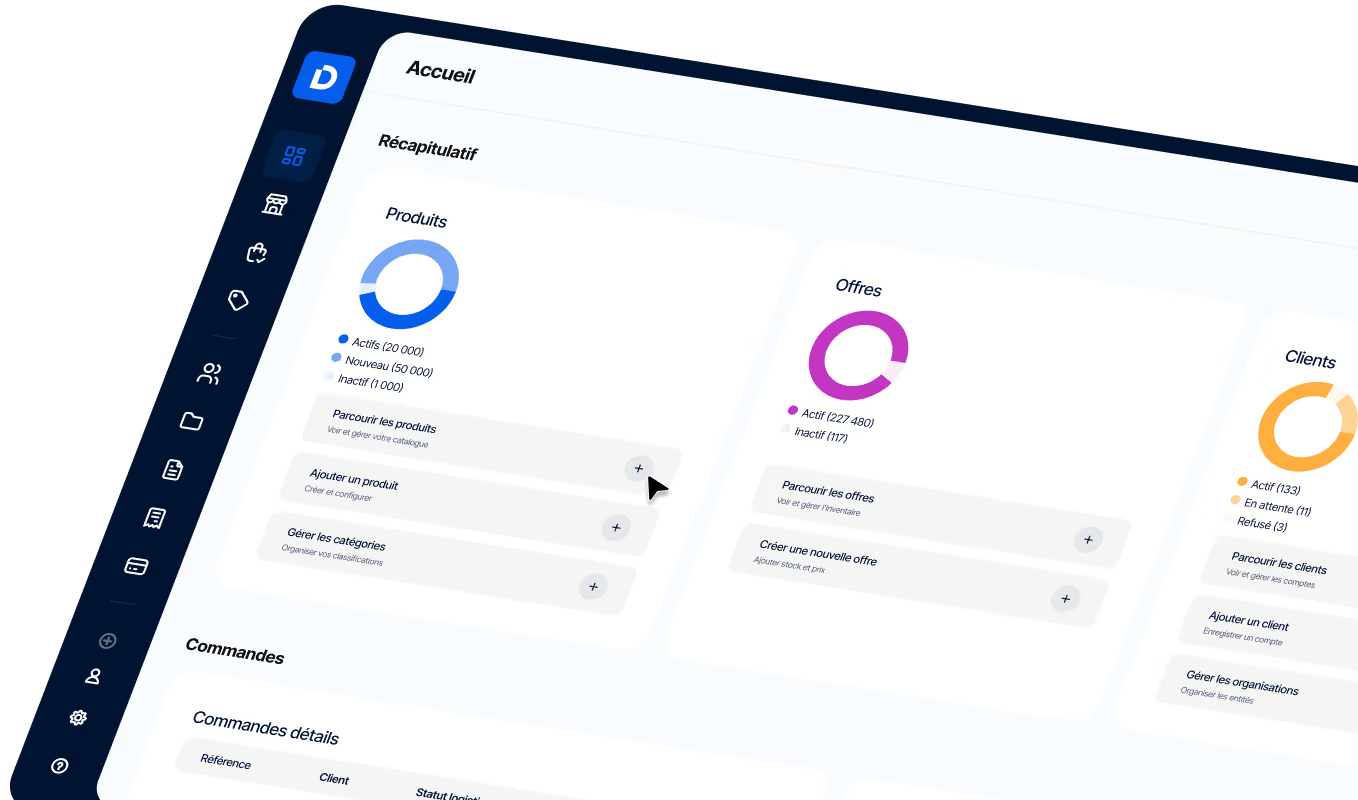
ERP Integration: Key Challenges for B2B Distribution
Make your ERP integration a success. Explore the key challenges, the systems to connect, and best practices for B2B commerce.
Article summary
- ERP integration connects your back office to your commercial ecosystem (e-commerce, CRM, WMS, PIM, etc.) so you can automatically sync key data: inventory, pricing, customers, and orders.
- A successful integration improves data reliability, productivity, customer experience, and scalability, while eliminating manual re-entry and the errors that slow growth.
- For multichannel B2B commerce, prioritize an API-first architecture with native connectors—more flexible and scalable than point-to-point integrations.
- The success of a project depends as much on the approach as on the technology: data quality, defining a system of record, team support, and a phased rollout are the keys to a lasting integration.
.avif)
ERP integration means connecting your enterprise resource planning system (ERP) to the rest of your company’s systems so data flows automatically, in real time, and without re-entering it. For a distributor or wholesaler, the ERP manages inventory, pricing, and invoicing, but it was never designed to sell online or orchestrate multiple channels. So the challenge isn’t just technical: it’s about connecting that back-office backbone to your commercial ecosystem (e-commerce, marketplace, sales team, CRM) to make every order and every price more reliable. This article reviews the key ERP integration challenges for distribution, the systems to connect first, the available approaches, a framework for successful deployment, and the most costly pitfalls.
ERP integration: what does it mean for a distributor?
An ERP, or enterprise resource planning system, centralizes a distributor’s internal operations: purchasing, inventory management, accounting, invoicing, and logistics. It’s the company’s back-office backbone. The problem is simple: this tool was built to manage, not to sell through modern channels. ERP integration therefore means connecting that core to your commercial ecosystem so data flows without re-entering it.
In practical terms, a synchronization layer shares key master data (products, prices, customers, stock) between the ERP and sales channels. A price change entered in the ERP should be reflected instantly on your sales website and in the sales team’s app. A modern B2B website software solution pulls this data continuously, without re-entry. Without that connection, teams end up retyping orders received by email or fax, which multiplies errors, stockouts, and disputes. It’s still possible to modernize your B2B commerce from an existing ERP without starting from scratch.
| Dimension | Standalone ERP | Integrated ERP |
|---|---|---|
| Inventory updates | Manual re-entry and delays | Real-time synchronization |
| B2B pricing and terms | Recalculated outside the system | Contract pricing applied automatically |
| Order capture | Email, fax, PDF retyped by hand | Online ordering without re-entry |
| Customer view | Fragmented across tools | Single shared source of truth |
| IT evolution | Costly custom development | Modules added on demand |
Key takeaway: the classic trap is trying to make the ERP do everything, at the cost of unmanageable custom development. Connecting specialized tools around a shared source of truth preserves interoperability and future scalability.
4 key ERP integration challenges for wholesalers
For a wholesaler, ERP integration isn’t an IT topic: it’s a margin and growth lever. Four challenges shape the approach and determine the return on investment.
Framework: the 4 challenges of a successful ERP integration
Challenge 1 · Data reliability: accurate stock, pricing, and availability across every channel, with no more stockouts or invoicing disputes.
Challenge 2 · Productivity: eliminate re-entry so customer service and sales teams can sell instead of retyping orders.
Challenge 3 · Omnichannel customer experience: self-service buyers with the same prices and stock levels on the web, in the app, and in the field.
Challenge 4 · Scalability: add a channel, a warehouse, or a country without rebuilding the IT system.
These challenges come at a cost when they’re ignored. According to IDC, companies lose 20% to 30% of annual revenue because of disconnected data silos. MuleSoft’s Connectivity Benchmark report puts the average number of applications per company at nearly 900, with fewer than one-third actually integrated. The typical case: a trader managing five separate systems, where a simple price change has to be replicated in three environments. Miss one update, and the goods go out at the wrong price.
The answer is to automate order processing and synchronize master data, rather than piling on manual tasks. The trap would be to focus on the storefront first: a high-performing B2B sales process starts with reliable data, not visual polish.
Which systems should you connect to your ERP?
Once the ERP is established as the central source of truth, the question becomes: which systems should you connect first? In distribution, five building blocks come up consistently, each exchanging a specific type of data with the ERP.
| System | Role | What syncs with the ERP | Benefit |
|---|---|---|---|
| CRM | Customer relationships and pipeline | Accounts, orders, outstanding balances | Unified customer view |
| B2B e-commerce | Self-service sales | Catalog, pricing, stock, orders | 24/7 ordering without re-entry |
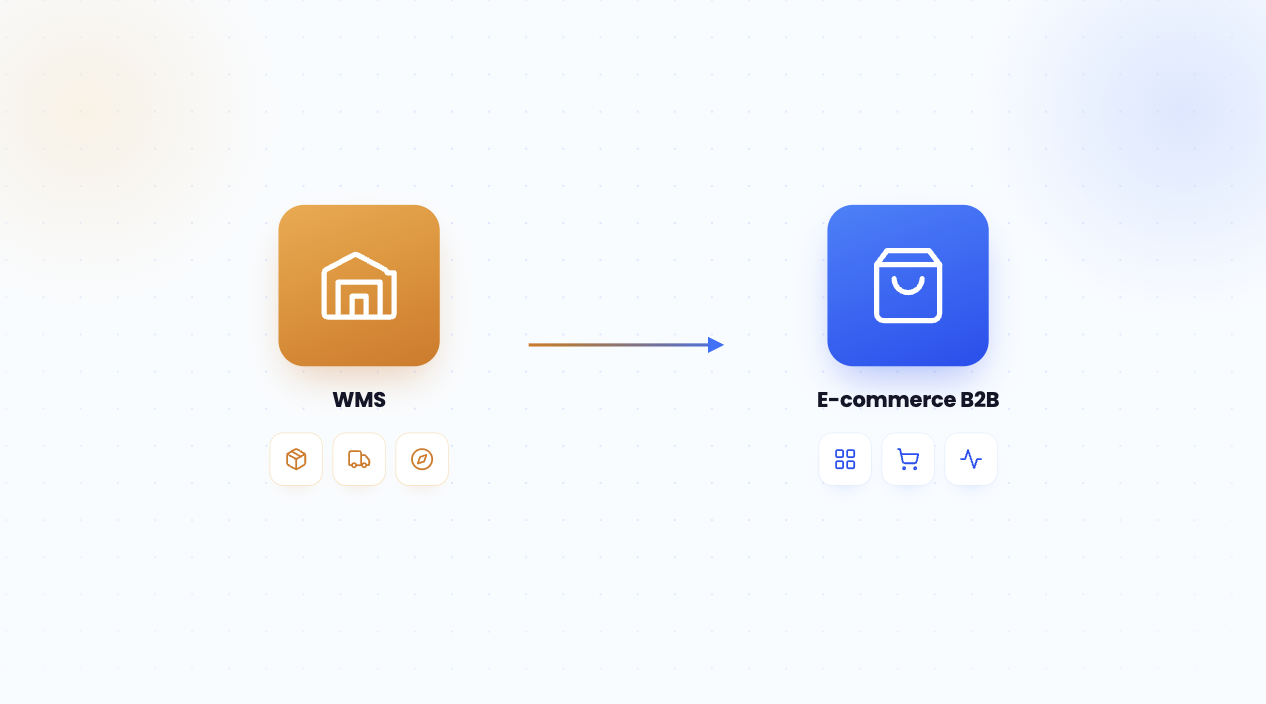
| WMS | Warehouse and logistics | Inventory, picking, shipments | Reliable availability |
| PIM | Product pages | Attributes, media, descriptions | Rich, consistent catalog |
| Marketplace | Multi-vendor marketplace | Offers, stock, orders | New revenue streams |
CRM and ERP: the customer relationship duo
The CRM manages customer relationships and the sales pipeline, while the ERP holds orders, invoicing, and outstanding balances. Connecting them gives sales reps a real-time view of creditworthiness and purchase history. A concrete example: a sales rep sees that a customer has 60 days outstanding before approving a new order. The method: map shared fields (company ID, pricing terms, outstanding balances), define the master system for each data set, then automate synchronization. This CRM ERP integration avoids duplicates and decisions made in the dark.
E-commerce, WMS, and PIM: sell and deliver without errors
This trio covers sales and fulfillment. The PIM feeds product pages, the B2B eCommerce channel sells, and the WMS picks and ships. Inventory must be shared by everyone from a single source. Example: the availability shown online matches the warehouse’s actual stock, which prevents overselling and cancellations. The mini-framework: define one inventory source, set a synchronization frequency that fits order volume, then test edge cases (stockout, replenishment, return). A microservices architecture makes these exchanges easier through a universal connector, in a modular architecture model.
Which ERP integration method should you choose?
Not all integrations are created equal. Four main approaches exist, from makeshift fixes to industrial-grade setups, and the right choice depends on how mature your IT environment is.
For multichannel B2B commerce, an API-first approach and native connectors are the clear choice: they enable real-time synchronization, clean separation between back office and front end, and controlled scaling. That’s the logic behind headless e-commerce, where the sales platform talks to the ERP through APIs without depending on its interface. Cloud commerce takes that flexibility even further. The trap would be to rely on point-to-point connections for a setup that’s meant to grow: the architecture quickly turns into an unmanageable spaghetti mess.
How to make your ERP integration project a success
A successful ERP integration project depends more on method than on technology. The structure is always the same: define the scope, map data flows, assign the master system for each data set, set synchronization rules, test, and then support the teams. This self-assessment grid helps you gauge your maturity level.
| Maturity criterion | 0 points | 1 point | 2 points |
|---|---|---|---|
| Flow mapping | Nonexistent | Partial | Documented and validated |
| Master system per data set | Not defined | In progress | Defined and followed |
| Synchronization frequency | Manual or batch | Semi-automatic | Real time |
| Error handling | None | Basic alerts | Automatic recovery |
| Team adoption | Imposed | One-off training | Change management |
How to read it: a score below 5 means you should strengthen the foundations before scaling up; a score of 8 or above means your core is ready to connect new channels.
In terms of timing, a B2B e-commerce project connected to the ERP is usually deployed in 4 to 6 months, and a turnkey SMB platform in a few weeks, according to DJUST, which reports an adoption rate above 70% within three months. Distributor feedback confirms that value is then measured through concrete metrics, such as average transaction value or order volume. You should also connect B2B payments to make collections more reliable. Before choosing your B2B e-commerce platform, assess your team’s maturity as well as the tool’s technical capabilities.
3 pitfalls to avoid in an ERP integration
ERP integration rarely fails for technical reasons. According to several industry studies, 50% to 75% of ERP projects don’t fully achieve their goals. Three pitfalls come up again and again, each with a practical fix.
Framework: the 3 pitfalls and how to avoid them
Pitfall 1 · Making the ERP do everything: too much customization makes the system rigid and expensive. Fix: connect best-of-breed tools through APIs.
Pitfall 2 · Neglecting data quality: duplicates and inconsistent formats distort synchronization. Fix: clean up and define a master source before connecting systems.
Pitfall 3 · Forgetting change management: a project that works technically but is rejected by the teams. Fix: train users, appoint champions, and measure adoption.
A cautionary example: a wholesaler that launches its portal with inaccurate inventory data ends up with cancellations and lasting loss of trust. Discipline around data and change management often matters more than the tool itself. A phased approach, built on a proven building block such as replenishment software and its API connector, secures each step. That logic aligns with composable commerce, which assembles best-of-breed building blocks around the ERP.
DJUST, the B2B commerce platform that connects to your ERP
DJUST applies the principles described in this article to its platform. Designed as a headless, modular solution, it connects to any ERP through an API connector and its DataHub module, with native connectors for the main systems on the market (SAP, Sage, Cegid, Dynamics) and an open API for custom tools. Your inventory, pricing, and order data sync automatically, in real time, without re-entry between the ERP, CRM, WMS, and your sales channels. A project is usually deployed in 4 to 6 months, or in a few weeks for a turnkey platform, with an adoption rate above 70% within three months.
FAQ
What’s the difference between an ERP and a CRM?
The ERP runs internal operations: inventory, purchasing, accounting, invoicing, and logistics. The CRM manages customer relationships and the sales pipeline. The two are complementary: connecting the CRM and ERP gives teams a unified view of orders, work in progress, and customer history — essential for selling effectively in B2B.

How long does ERP integration take?
The timeline depends on the scope. A B2B e-commerce project connected to your ERP is typically deployed in 4 to 6 months, while a turnkey platform for SMBs can go live in just a few weeks, according to DJUST. A full ERP project for an SMB usually takes 3 to 9 months. Mapping workflows upfront can significantly shorten that timeline.
Is an ERP enough to sell B2B online?
No. The ERP handles back-office operations, but it doesn’t provide a purchasing portal, a personalized catalog, or a self-service ordering journey. You need a B2B commerce platform connected to your ERP to sell online, with customer-specific contract pricing and real-time inventory visibility.
Which systems should you connect to your ERP first?
Start with the systems that directly affect sales: the B2B e-commerce channel and the WMS for inventory, then the CRM for customer relationships and the PIM for product data sheets. Prioritize the most manual, error-prone workflows first, because those are the ones that cost the most.
Is ERP integration risky for an SMB?
The risk is real: 50% to 75% of ERP projects fail to fully achieve their goals. But it drops sharply with a clear approach: map your workflows, designate a system of record, sync in real time via API, and support your teams. A phased rollout helps secure the deployment and speed up adoption.

.png)
.avif)
.jpg)