The limitations of Excel in B2B: when should you switch solutions?
A sales representative maintains their catalog in an Excel file, customer orders arrive as attachments, and three different versions of the price list circulate via email simultaneously. This scenario plays out in many B2B companies.
Article summary
- Excel hits its limits long before the 1,048,576-row mark: a B2B catalog with product variations and cascading formulas slows down and eventually stalls orders.
- Customer-specific pricing, tiered discounts, and negotiated terms: in a spreadsheet, a simple mistake can change a price without any warning.
- Every order received by email and then manually re-entered into the ERP wastes time for the sales administration team and increases the risk of pricing and stock errors.
- Leave Excel behind when the cost of the risk outweighs the cost of change: a B2B platform connected to your ERP centralizes your catalog, pricing, and orders.

In a Fluxen survey of 164 professionals, 70% still use Excel or Google Sheets to manage their operational data, and 44% have encountered real limitations [2]. These bottlenecks lead to blocked orders, incorrect pricing, and hours lost to manual data re-entry. Here, we translate these friction points into operational costs and demonstrate how a dedicated platform absorbs that complexity.
What are the physical limits of Excel?
Excel enforces a strict limit of 1,048,576 rows and 16,384 columns per worksheet—a threshold unchanged since the 2007 version. Each cell can hold up to 32,767 characters, and numerical precision is capped at 15 significant digits. In practice, Excel's row limits create issues long before you ever hit one million: a file packed with volatile formulas like INDIRECT or OFFSET, or cascading VLOOKUPs, begins to slow down around 100,000 rows. Calculations compound, freeze the screen, and leave teams waiting.
In a B2B context, a product catalog with variations for size, color, packaging, or customer-specific options quickly reaches these volumes. A file that crashes when opening the price grid blocks customer orders. The risk becomes structural as soon as the need is ongoing and involves multiple users [3]. The spreadsheet, designed for ad-hoc analysis, cannot handle the load of a live catalog that is being viewed and modified by several teams simultaneously.
Why is Excel not enough to manage a B2B catalog?
Excel's tabular structure is ill-suited for the complex product relationships required by a B2B catalog. A single reference can have dozens of variations, with different sales terms depending on the customer segment. In a spreadsheet, each variant requires a new column or a duplicated sheet, and updating prices per customer becomes impossible without complex macros.
The lack of real-time synchronization with the ERP compounds the issue. Multiple versions of the catalog circulate via email among sales reps, logistics teams, and customers. No one knows who has the latest version, making overwritten data and entry conflicts inevitable. According to Anaba, 40% of companies still manage customer accounts using Excel [4], which directly undermines catalog reliability. Creating and digitizing your B2B product catalog on a dedicated platform eliminates this version sprawl and ensures a single source of truth for B2B product data management.
Excel formulas: a risk to your pricing and sales terms
Cell references in Excel are inherently fragile. A moved or deleted B2 cell propagates a reference error throughout the entire price grid. If cell B2 contains a discount coefficient and a user sorts the grid or pastes a value over the formula, the calculation will use the wrong data without any warning. The same risk applies to a B4 cell used for a net price calculation: the slightest structural change will skew the result.
Customer-specific price grids, tiered discounts, and negotiated terms require dynamic business rules. Excel cannot handle these without unstable and difficult-to-maintain VBA macros. A reference error in cell B2 or B4 results in the wrong price being sent to the customer, leading to commercial disputes and direct margin loss. Defining a B2B pricing strategy in a spreadsheet means accepting that a simple mistake could silently alter your sales terms.
B2B orders via email and Excel: the cost of manual entry
B2B orders sent as Excel attachments by customers or field sales reps all take the exact same path: receipt, opening, and then manual order entry into the ERP. Every retyped line introduces error risks and wasted time, even though you can easily automate time-consuming sales administration tasks. According to an OpinionWay survey for Quadient, 41% of companies still rely on spreadsheets to manage accounts receivable, and only 11% describe their processes as primarily automated [1].
The lack of automated validation drives costs even higher. Before entry into the ERP, zero checks are run to verify available stock, customer credit limits, or pricing accuracy. Data falls out of sync across sales, logistics, and finance as each department maintains its own spreadsheet. Automating your B2B orders through a dedicated platform eliminates manual re-entry and connects orders straight to the ERP. A B2B e-procurement solution embeds business validation rules right when they are needed—not after the fact.
Before: an order arrives as an Excel spreadsheet via email, the sales admin retypes it line by line into the ERP, pricing is verified manually, and stock is checked only after the fact.
After: the order is received by the platform, negotiated pricing applies automatically, inventory and credit checks run prior to integration, and the ERP is updated without any manual intervention.
When should you move on from Excel? The warning signs
Excel remains a good tool for getting started: a simple price list, occasional tracking, or a file managed by a single person. It also has its place for analysis and reporting. The tipping point comes when the file becomes the backbone of a shared sales process, accessed daily and updated by multiple teams. As soon as the need becomes long-term, involves a large number of users, and concerns critical data, Excel becomes a major risk [3].
The more you recognize your situation in the following points, the more your file is holding back your business:
- multiple versions of the price list or catalog are circulating, and no one knows which one is the master copy;
- only one person knows how to use the file: in their absence, the sales administration team cannot verify a price or process an order;
- orders received by email are manually re-entered into the ERP, even though it is possible to automate order intake via email;
- a pricing error is only discovered at the invoicing stage or upon a customer complaint;
- there is no history to track who changed a discount, or when;
- answering a simple question, such as a customer's net price or actual available stock, requires opening multiple files.
Cost of risk or cost of change? Sticking with Excel feels free: licenses are already paid for and teams know the tool. But the real cost lies elsewhere: hours of manual data entry every week, incorrectly applied discounts, customer disputes, and delayed shipments caused by unverified inventory. On the flip side, the cost of change is clear: an ERP integration project, data migration, and an adjustment period for teams. The time to leave Excel comes when the cost of risk exceeds the cost of change. It's much better to get ahead of it than to realize it after a costly dispute.
To make an objective decision, measure the time spent on manual entry and verification over one month, as well as the total value of corrected pricing discrepancies. You will then have a data-driven baseline to compare against the cost of a dedicated platform.
How do you transition from Excel to a dedicated B2B platform?
Moving away from Excel to a dedicated B2B platform doesn't mean starting from scratch. Modern platforms leverage CRM-ERP integration to connect your existing systems rather than replace them. Automating order entry into an ERP—whether orders arrive via email or file—enables you to extract, validate, and integrate data without manual intervention.
Centralizing your catalog, pricing, and business rules in a single source puts an end to multiple versions. Buyers become autonomous on a B2B customer portal: they order via self-service with their negotiated prices applied automatically. A B2B sales management tool replaces the shared file with a single repository, viewed and updated in real-time by all stakeholders.
DJUST Sales: automate your B2B orders without manual entry
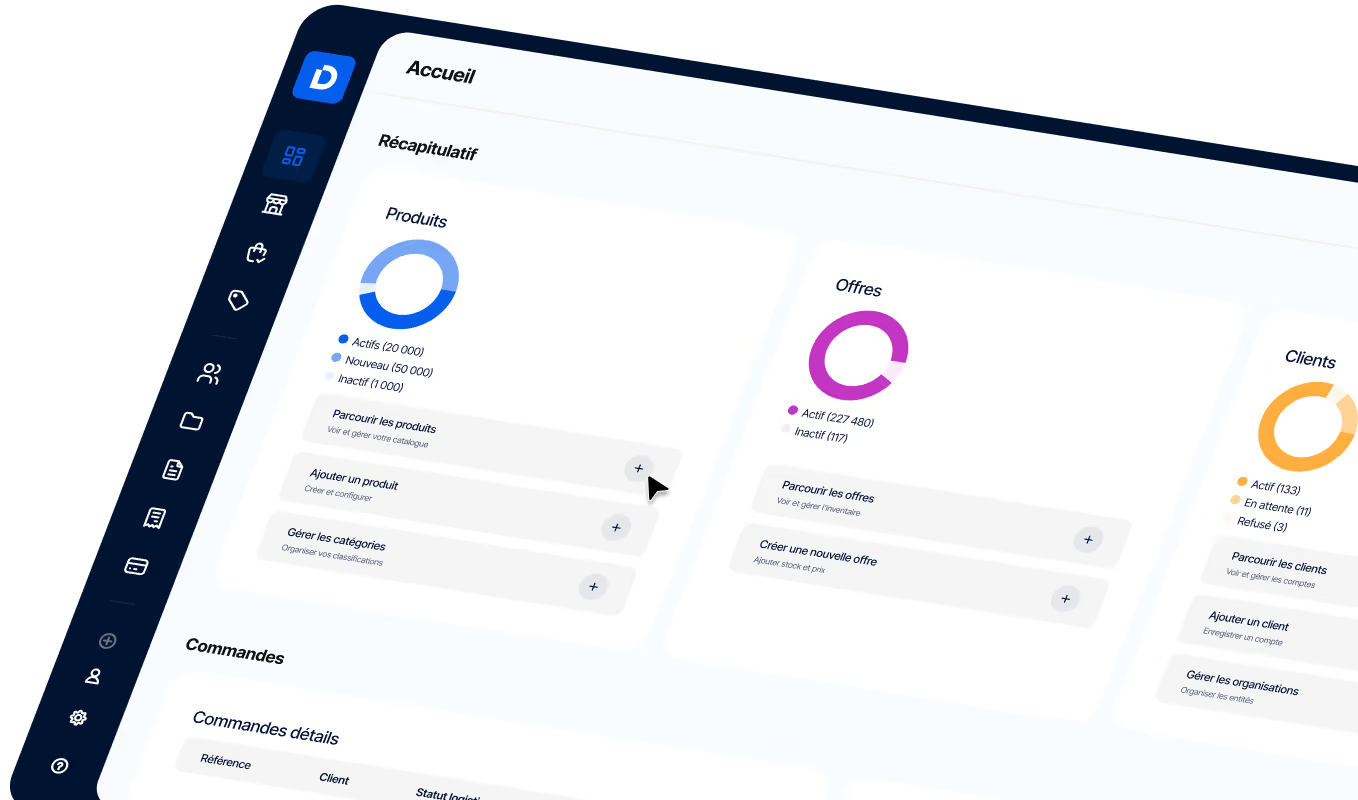
DJUST Sales replaces Excel files with an end-to-end automated workflow. When an order comes in—whether by email, file upload, or portal—it is validated against business rules and pushed to the ERP without manual re-entry. Native ERP integration synchronizes pricing, inventory, and orders in real time.
Customer-specific pricing applies automatically, eliminating static Excel sheets and SKU errors. This allows you to shorten order processing times, freeing sales teams to focus on selling rather than admin work. DJUST Sales seamlessly handles the complexity of negotiated terms, tiered volume discounts, and customer-segment variations. SimpleOrders rounds out the solution by automating incoming order workflows without manual intervention.
Sources
[1] OpinionWay for Quadient,https://www.solutions-numeriques.com/automatisation-financiere-les-entreprises-ont-dematerialise-leurs-processus-mais-restent-dependantes-dexcel/,2024
[2] Fluxen, https://fluxen.pro/etude-outils-de-gestion-de-donnees, 2025-04
[3] MC2i, https://explorers.mc2i.fr/articles/excel-oui-mais-jusqua-ou,2022-11-08
[4] Anaba, https://www.anaba.fr/gestion-contacts-pme/excel-limites, 2024
FAQ
Can a B2B order really be processed without Excel?
Yes. A dedicated B2B platform like DJUST Sales receives the order, whether it arrives via email, file, or portal, automatically applies negotiated pricing and validation rules, and then integrates it into the ERP without any manual re-entry.

At what point does Excel start to slow down?
Performance issues begin to appear at 100,000 rows when using volatile formulas like INDIRECT or OFFSET. The physical limit of 1,048,576 rows is rarely reached before performance degrades significantly.
Is Excel sufficient for managing customer-specific pricing?
No. Customer-specific pricing grids require dynamic business rules, such as tiered discounts, negotiated terms, and segment-based variations. Excel cannot handle these rules without unstable and hard-to-maintain VBA macros.
What are the risks associated with using Excel in a B2B context?
An Excel file sent by email offers no granular access control, no change tracking, and no encryption for client data. A dedicated B2B platform centralizes data with user-specific permissions and a comprehensive audit log.