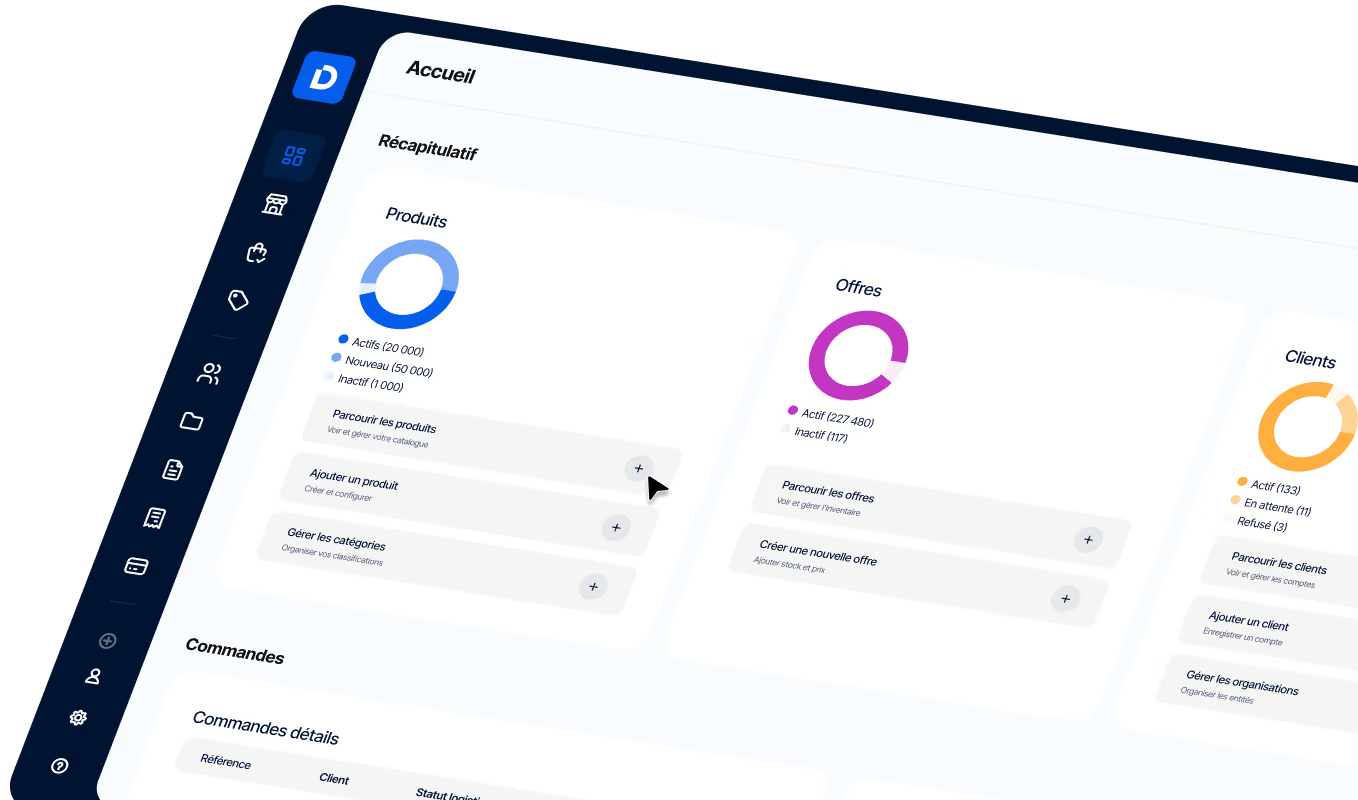
How can you automate B2B email order processing?
B2B email order automation transforms emails, PDFs, and Excel files into orders that are ready for your ERP, eliminating manual data entry. By combining AI, business rules, and integration with existing tools, companies reduce errors and free up time for their sales teams.
Article summary
- Automate B2B email order processing by extracting data from emails, PDFs, and Excel files to create orders directly in your ERP.
- Reduce manual entry and errors using NLP, OCR, and automatic recognition of product references, quantities, and customer information.
- Integrate B2B business rules (negotiated pricing, discounts, order thresholds, and delivery terms) to ensure the accuracy of created orders.
- Maintain human oversight for exceptions while synchronizing prices, inventory, and orders in real-time with your ERP.

In B2B, orders arrive via email, PDF, Excel, or as free-text typed by the buyer. Your sales teams spend hours re-entering lines, verifying negotiated prices, and checking references against the catalog. This data entry ties up resources in low-value administrative tasks at the expense of sales and customer follow-up. A B2B order automation solution transforms these incoming streams into orders that are ready for your ERP, without manual re-entry. This guide details how to automate end-to-end email order processing, from reading the email to creating the order.
What is email order automation?
Automated email order processing means an incoming order email is read, its data is extracted (product references, quantities, customer identity, delivery address), and it is then transformed into an order in your target system (ERP or OMS) without manual intervention. The process focuses on receipt, extraction, and order creation, not on sending notifications or marketing emails.
It is important to distinguish between two uses: reading an order email received from a B2B buyer (the case covered here) and sending an automatic email such as a confirmation or follow-up. Both involve different logic. In B2B, common formats vary: free text in the email body, attached PDF (formal purchase order), Excel file, or even a screenshot from a buyer portal. Automation must handle this variety to produce structured data compatible with the ERP, regardless of the input format.
Why is manual email order entry costly for B2B teams?
Manual order processing (emails, Excel files, PDF purchase orders, re-entry into the ERP) consumes 20% to 40% of sales and customer service teams' time. This time is spent copying data instead of prospecting, managing customer relationships, or negotiating. This administrative burden automatically reduces the time available for high-value sales activities.
Data entry errors increase hidden costs: a wrong reference, an inverted quantity, or a misidentified customer leads to disputes, returns, credit notes, and lower customer satisfaction. An email order processed manually waits for an employee to be available to re-enter it, whereas an automated workflow makes it ready in the ERP in seconds. This delay slows down the entire downstream chain: picking, shipping, and invoicing.
The table below compares the two approaches based on key decision-making criteria:
It is precisely in this transition from manual to automated that AI is transforming order management : teams regain time and reduce errors on standard volumes, while maintaining control over non-compliant cases. DJUST states that its SimpleOrders solution can reduce manual entry by up to 80%.
What are the steps to automate end-to-end email order processing?
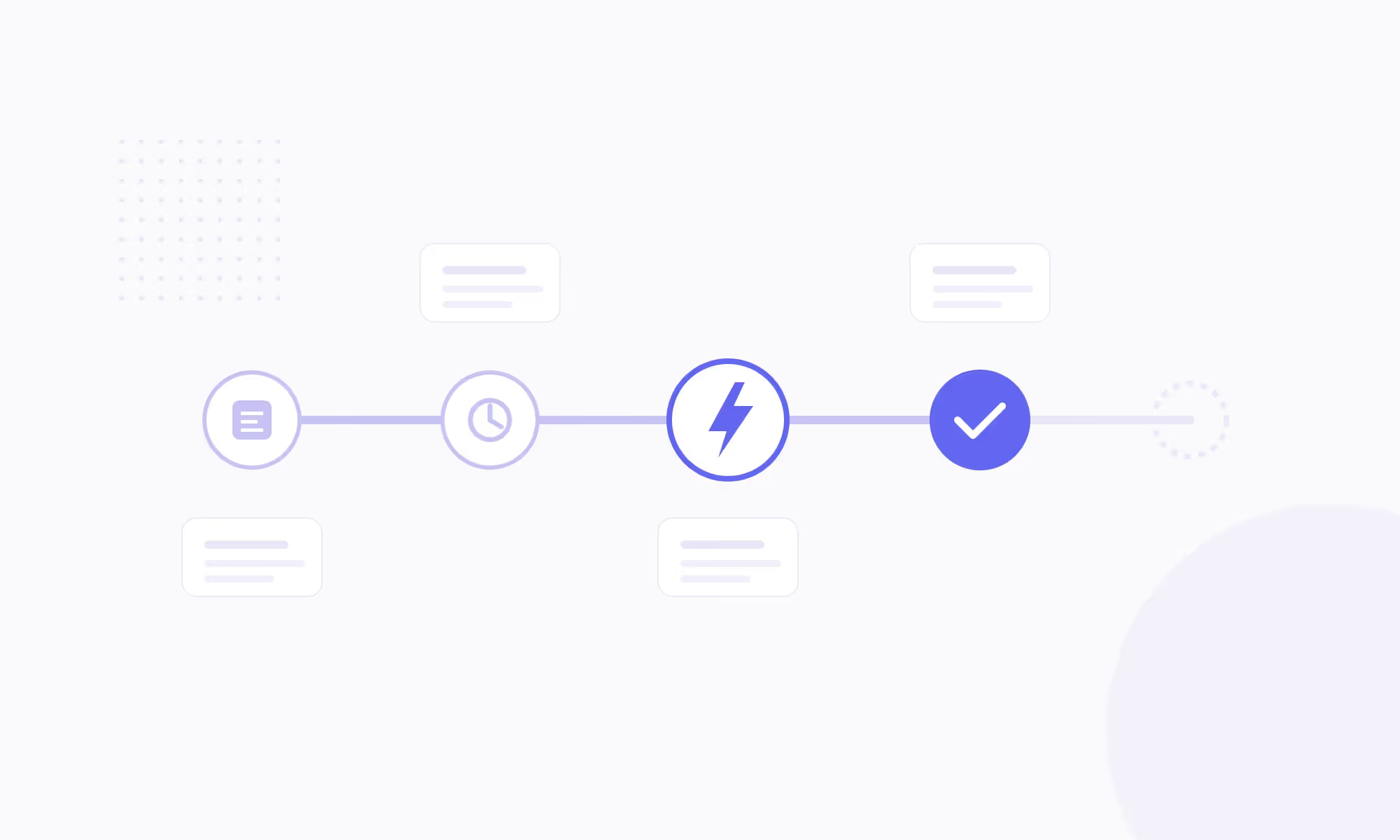
Automating email order processing follows a six-step workflow, from receiving the email to confirming it with the customer. Each step adds a layer of processing that eliminates manual intervention.
Step 1: Receipt and sorting. The mailbox is connected to the solution. Each incoming email is identified as an order or another type of message (information request, complaint, spam). Sorting prevents the processing of emails that do not fall under the order workflow.
Step 2: Extraction. The AI reads the email body and attachments. It extracts structured data: customer identity, items, quantities, delivery address, and requested shipping method. NLP processes free text, while OCR handles PDFs and scans.
Step 3: Business rule validation. The extracted data is cross-referenced with the product catalog, customer-specific pricing, and current commercial terms. The AI verifies that the SKUs exist, that prices match the negotiated agreement, and that conditions are applicable.
Step 4: Order creation. The order is injected directly into the ERP or OMS. The order number is generated, and downstream workflows are triggered: preparation, picking, shipping, and invoicing.
Step 5: Exception management. Anomalies (unknown SKU, price discrepancy, new customer) are isolated and sent to a human for validation. The goal is not to automate everything, but to process standard volumes without intervention and focus human attention on cases that require it.
Step 6: Confirmation. An acknowledgment of receipt is sent back to the customer with the order number and estimated lead time. The processing status is tracked from end to end.
A complete workflow, from receipt to creation in the ERP, delivers a validated order line in seconds. The duration varies depending on the complexity of the order (number of lines, presence of PDFs, pricing rules to apply).
The following sections detail the points that determine the reliability of this workflow: data reading by AI, business rules, the balance between automation and human validation, and then integration with the ERP.
How does AI read and structure data from an order email?
NLP (Natural Language Processing) identifies key information in unstructured text: customer numbers, product references, quantities, delivery addresses, and specific requested terms. OCR extracts data from attached PDFs or scanned purchase orders, recognizing fields, tables, and line items. These two technologies work together to transform an unstructured email into clean, usable data.
AI does more than just read; it structures data into a format compatible with your ERP. Specifically, it maps extracted fields to those required by your system, standardizes product references, and matches each line item to your catalog. The quality of this step depends directly on the quality of your master data: the cleaner your product catalog and customer database are in your ERP, the more reliable the extraction will be.
To illustrate, let's look at a real-world scenario: a buyer sends a PDF purchase order with 15 line items, internal references, and a customer code. The AI extracts each line, matches the references to the ERP catalog, applies the negotiated rate for that customer, and prepares the order. Without automation, these 15 lines would be re-entered one by one, with a risk of error on every line. With AI agents to automate order processing, the order is ready in seconds, with an automatic check for pricing consistency.
What B2B business rules should be integrated into the automated workflow?
Automating email order entry is only valuable if it respects specific B2B business rules. Without this validation layer, you are simply extracting data rather than creating an accurate order.
Customer-specific pricing grids. Every buyer has their own negotiated prices. Automation must apply the contracted rate, not the list price. Any discrepancy between the price requested in the email and the price in effect under the customer agreement must be detected and addressed.
Discount terms. Volume discounts, seasonal discounts, and framework agreements: the AI verifies the eligibility of each discount before creating the order. Any non-applicable discount is flagged for validation.
Minimum order thresholds. Some B2B orders require a minimum amount or quantity per item or per delivery. Automation checks these thresholds at the time of creation.
Delivery rules. Multiple addresses, Incoterms, and negotiated delivery windows are all parameters that must be integrated into the created order to avoid shipping errors.
Customer account management. A single buyer may order for multiple legal entities. Automation must assign the order to the correct account by relying on the ERP's customer master data. Our B2B platform handles all these rules behind the scenes so your teams don't have to verify them manually for every order.
What can be fully automated, and what requires manual validation?
Not everything can be 100% automated, and it is precisely this distinction that makes automation credible. The goal is to process standard volume without intervention and focus human attention on the exceptions.
100% Automatable: recurring orders from known customers, with existing references, current pricing, and standard terms. These orders follow an identical pattern each time and present no risk of deviation.
Automatable with light validation: orders with minor variations, such as a new reference similar to an existing one or a quantity outside the norm but within contractual limits. The AI proposes the order with a confidence score, then a human validates it with a single click.
To be validated by a human: new customer, unknown reference, pricing that conflicts with the current agreement, or unusual delivery terms. These cases are automatically isolated and presented to teams for decision-making.
This approach is part of a strategy to integrate AI into the broader supply chain: automation handles volume, while humans handle exceptions. The goal is to reduce the workload, not to eliminate oversight.
How do you connect order automation to your ERP and existing tools?
The API is the bridge between the automation solution and your ERP. Each created order is pushed in real-time, and stock levels and prices are synchronized in return. Without this integration, perfect extraction does not eliminate manual re-entry: the order must arrive in the right system, in the right format, with the right data.
Integration with the CRM completes the setup: the customer account is verified upon receipt, order history is updated, and the sales team maintains visibility over the flows. On the OMS side, the created order triggers preparation, picking, and shipping without further manual entry. Every link in the chain receives the data it needs, exactly when it needs it.
Native integration closes the loop. We integrate with common B2B ERPs via native APIs, which ensures real-time synchronization of prices, stock, and orders, with no breaks in the flow.
What are the prerequisites for launching email order automation?
Getting started requires very little. For DJUST Sales, your order history and product catalog are enough: the tool then improves with use. The ERP remains your system of record; the solution connects to it without replacing it. DJUST offers a go-live in just a few days, with dedicated support, whereas a typical project B2B e-commerce takes months.
Before choosing a solution, check these five points:
Accepted formats. Email, PDF, Excel or CSV, scanned purchase orders, or photos: the solution must be able to read the formats your customers already use, without asking them to change their purchasing habits.
ERP connection. A native connection avoids the need to maintain a third-party connector. DJUST Sales connects natively to SAP, Sage, Cegid, and Microsoft Dynamics.
Pre-injection validation. Price and quantity discrepancies must be detected and corrected before entering the ERP, not after.
Data security. Check hosting, encryption, GDPR compliance, and role-based access management. At DJUST Sales, data is hosted in Europe and encrypted both in transit and at rest.
Scalability. The offering should scale with your order volume. For example, DJUST Sales offers tiers for 30 and 150 orders or quotes per month, with custom pricing available for higher volumes.
DJUST Sales: turn your order emails into actionable orders without manual entry
DJUST Sales reads incoming order emails, extracts the data (free text, PDF, Excel), and creates the order in your ERP by applying each customer's specific pricing and business rules. The platform handles exceptions: anomalies are isolated and flagged for your team to review, while standard volume is processed without intervention.
Native integration with ERP, CRM, and OMS systems ensures real-time synchronization of prices, stock, and orders. Your sales team reclaims the time previously spent on manual entry, allowing them to focus on selling and customer support. This B2B automation logic extends beyond order processing to other use cases, such as autonomous B2B marketplaces, where AI manages end-to-end workflows from purchase to delivery.
FAQ
Is it possible to automate order entry via email without modifying the existing ERP?
Yes. The automation solution connects to the ERP via API and pushes orders in the required format. The ERP receives the order as if it had been entered manually, with no changes to its configuration.

How does the AI handle order emails with non-standardized product references?
The AI matches the references read in the email against the ERP product catalog. Similar references are suggested with a confidence score. If the score falls below a certain threshold, the line is sent for human validation.
What volume of email orders is needed to justify automation?
There is no universal threshold: it all depends on how much time your teams spend on manual data entry. DJUST Sales plans start at 30 orders or quotes per month, while the DJUST SimpleOrders solution is designed for teams managing hundreds or even thousands of orders per month. Even at low volumes, automation remains relevant if the orders are complex (multi-line, PDFs, specific pricing).
Does email order automation work with scanned purchase orders?
Yes. OCR extracts data from scans, PDFs, or photos of purchase orders. Extraction quality depends on the document's legibility, but the AI handles a wide variety of layouts.
What happens to the order email once it has been processed automatically?
The email is archived and linked to the created order. It remains accessible for audit purposes or in the event of a dispute.



.jpg)