B2B Automation: 5 Workflows to Sell Faster
B2B Process Automation: 5 Priority Workflows, Tools, and Methods to Reduce Manual Tasks and Speed Up Sales. Find out how.
Article summary
- B2B process automation replaces repetitive manual tasks such as order entry, follow-ups, and quoting with digital workflows driven by rules or AI.
- B2B sales reps spend about 30% of their time selling. The rest goes to low-value administrative tasks.
- 5 workflows are a priority: lead capture, quote generation, order processing, invoicing, and customer follow-up.
- Sales automation can cut administrative time by up to 30%, reduce errors, and speed up sales cycles,
B2B process automation refers to the use of digital tools to carry out commercial, logistical, or administrative tasks automatically when they used to be done manually. In practical terms, it means handing over order entry, quote generation, invoice tracking, and even prospect follow-up to intelligent workflows so teams can focus on customer relationships and selling.
In a context where business buyers expect responses as fast as in B2C, companies that stick with manual processes are falling behind. A B2B lead that isn’t followed up within the first 5 minutes is 9 times less likely to convert. The question is no longer whether to automate, but which workflows to tackle first.
What is B2B process automation?
B2B process automation covers all the technologies that make it possible to execute commercial tasks without human intervention. It spans everything from capturing a lead from a web form to automatically generating an invoice after delivery, including lead scoring, creating custom quotes, and sending order confirmations.
The difference from simple digitization is fundamental. Digitization turns a paper purchase order into a PDF. Automation means an order received by email is automatically entered into the ERP, triggers a stock check, generates a picking slip, and sends a confirmation to the customer, all without anyone touching the workflow.
| Criterion | Manual | Automated |
|---|---|---|
| Order processing time | 24 to 48 hours | A few minutes |
| Data entry error rate | 5 to 8% | < 1% |
| Sales time spent selling | 36% | 60 to 70% |
| Cost per order processed | €15 to €30 | €2 to €5 |
A concrete example: an industrial SMB receives 200 orders a week by email and phone. Each order takes 15 minutes of manual entry in the ERP. By automating data extraction from email and direct input into the order management system, the company recovers 50 hours of productivity per week — the equivalent of one and a half full-time roles.
Moving to a centralized order management system is often the first lever for making this transformation real.
5 B2B processes to automate first
Not every process delivers the same return on automation. To identify the right candidates, three criteria matter: how often the task happens, how much time each instance takes, and the risk of human error. Here are the 5 workflows that consistently check all three boxes.
Lead capture and qualification
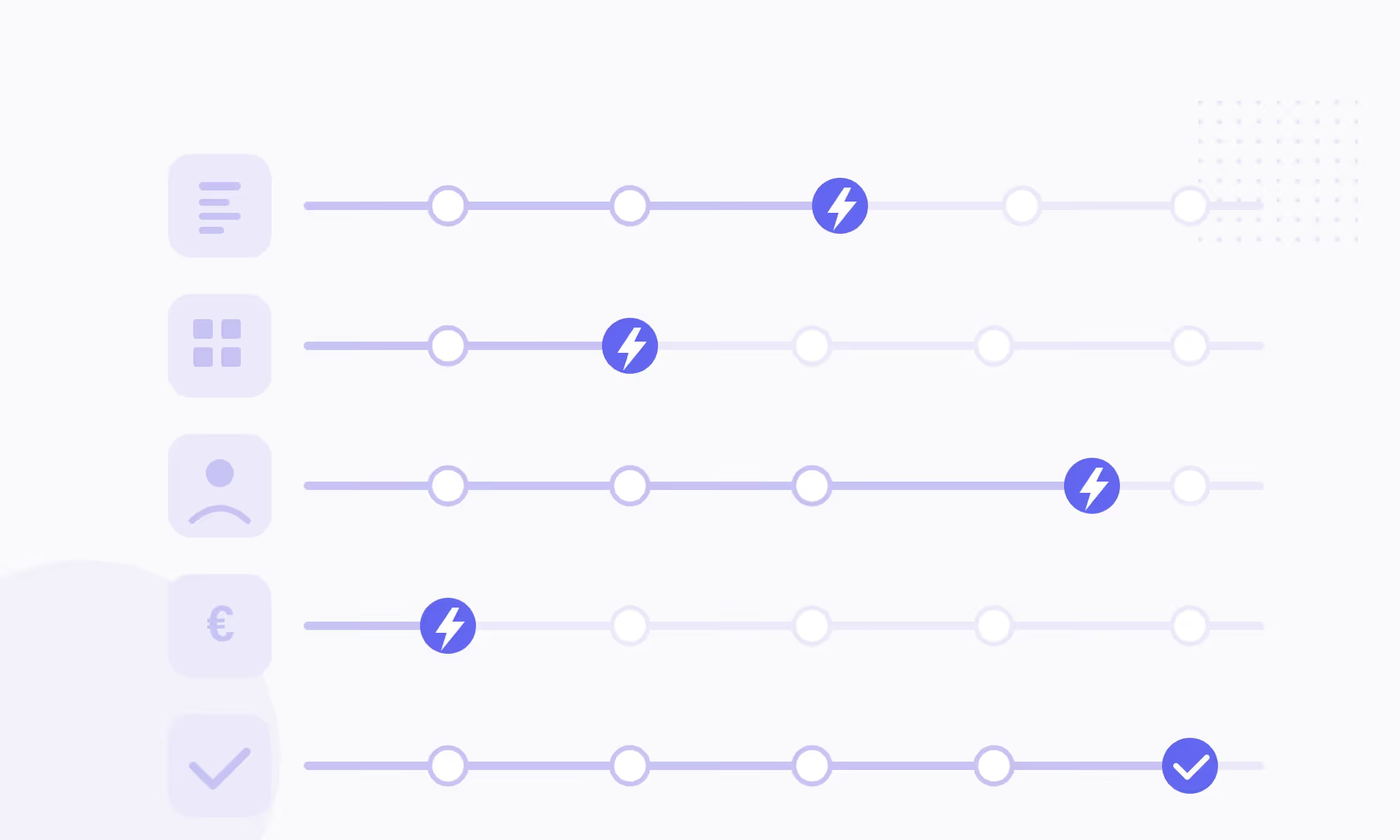
The ideal automated workflow works like this: a prospect fills out a form, the CRM records it in real time, automated scoring assesses the lead’s potential (industry, company size, on-site behavior), and the sales rep gets a notification only when the lead reaches a maturity threshold. Without this automation, teams waste time manually sorting through contacts, 70% of whom aren’t ready to buy.
A common mistake: scoring only on declared data without including behavioral signals such as pages visited or documents downloaded.
Quote generation and follow-up
Automating quote creation, especially with CPQ tools, helps reduce processing times and shorten the sales cycle by limiting manual work and back-and-forth exchanges (Salesforce). The idea is simple: dynamic templates pull in account-specific negotiated pricing, commercial terms, and product references, then send the quote with built-in e-signature. An automated follow-up goes out if the customer hasn’t responded within 5 days.
Avoid this: creating templates that are too rigid and don’t cover special cases such as exceptional discounts or specific delivery terms.
Order processing
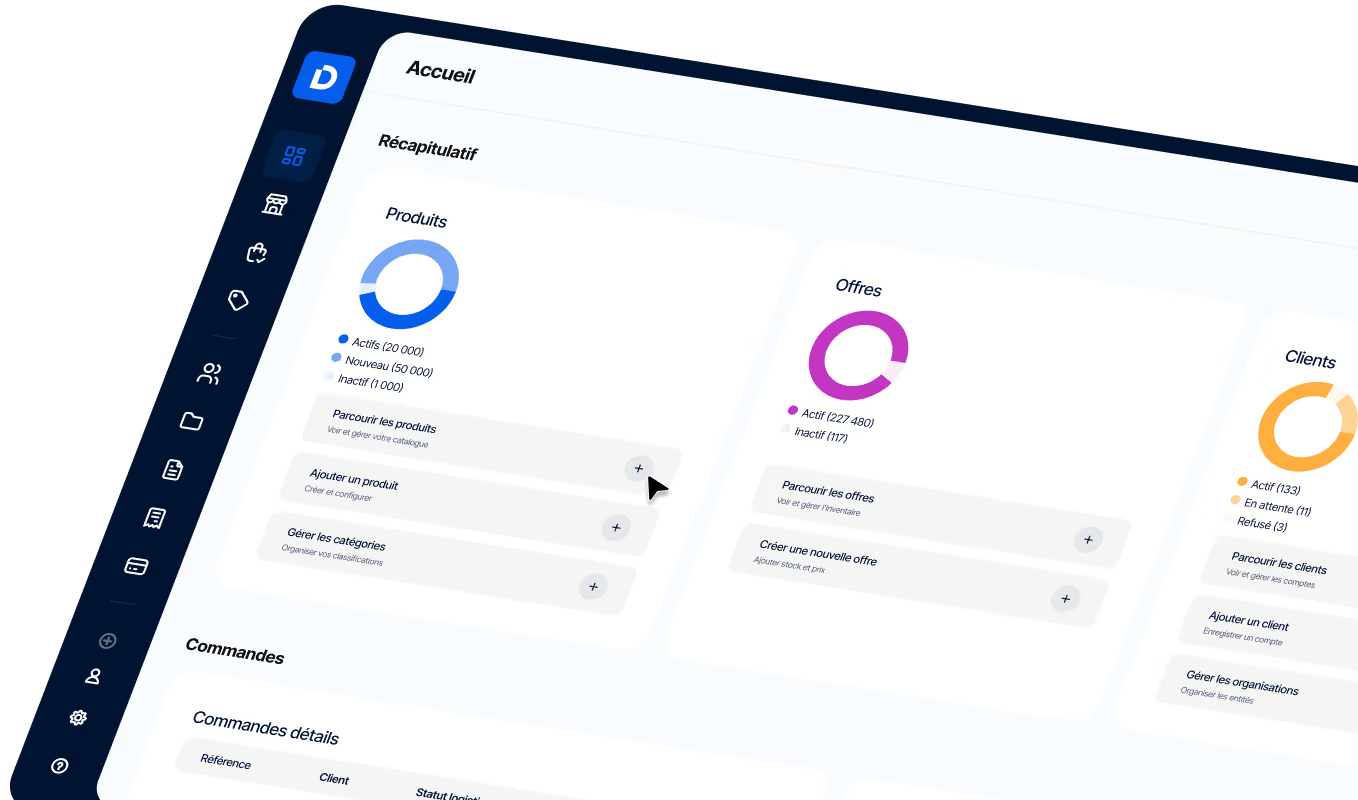
This is often the most profitable workflow to automate. Whether an order comes in by email, e-commerce portal, or EDI, the goal is to push it directly into the ERP without re-entering the data. DJUST OMS, for example, centralizes every order channel in a unified B2B order management system that orchestrates stock checks, picking, and shipping.
The immediate gain: fewer data entry errors and a reduction in processing time from 24 hours to a few minutes.
Invoicing and payments
In 2026, e-invoicing becomes mandatory in France for B2B transactions. It’s a constraint, but also an opportunity to automate the entire financial workflow. Best practice: connect the invoicing module to the ERP and the e-commerce portal so every delivered order automatically triggers the invoice, accounting entry, and payment reminder when due. Companies that still manage invoicing in spreadsheets expose themselves to payment delays and avoidable disputes.
Follow-up and customer nurturing
The B2B sales cycle lasts 3 to 6 months on average. During that time, an automated sequence of 5 to 8 emails spread over 4 to 6 weeks keeps the conversation going without tying up the sales team.
Typical flow: day 0, educational content; day 7, industry case study; day 14, solution comparison; day 21, demo offer.
The trap to avoid: sending generic emails that are identical for every segment. Personalization and email segmentation significantly improve campaign performance.
How to roll out B2B automation: a 4-step method
The most common mistake is trying to automate everything at once. The approach that works is progressive: start with the most painful workflow, prove ROI, then expand.
Prioritization scorecard: use it before every project
| Criterion | Question to ask | Score (1 to 5) |
|---|---|---|
| Frequency | How many times per week? | 5 = daily |
| Unit time | How many minutes per occurrence? | 5 = > 30 min |
| Error risk | Does the error have a financial impact? | 5 = > €500/error |
| Technical feasibility | Is the data structured? | 5 = already digitized |
Step 1: Map your existing workflows. Before choosing a tool, list every manual task in your sales cycle. For each task, note the time spent, frequency, and observed error rate. A 2-hour workshop with operations and sales teams is usually enough to identify the 3 most time-consuming workflows.
Step 2: Select the platform. The deciding factor isn’t the number of features, but how well it integrates with your current ERP and CRM. An API-first solution like DJUST can connect to any existing system without a heavy migration, which cuts go-live time to just a few months.
**Step 3: Launch a pilot on a single workflow.** Start with the process that scores highest on the scorecard. If it’s B2B order management, roll out the OMS module on one channel (for example, email orders), measure results for 4 weeks, then expand.
**Step 4: Measure and iterate.** Three KPIs to track: average order processing time, error rate, and the volume of orders handled without human intervention. If the results are on target, extend automation to the other identified workflows. To go further, explore how AI helps optimize B2B sales and purchasing.
3 mistakes that make a B2B automation project fail
Automation isn’t just a technical project. Failures rarely come from the technology itself, but from how the project is run. Here are the three most common pitfalls, along with how to avoid them.
Launch checklist: 3 pre-deployment warning signs
- Automating a poorly defined process. If the business rules aren’t clear in the manual process (who approves what, which threshold triggers which action), automation will scale the confusion instead of fixing it. Before implementation, document the target workflow with a flowchart validated by operations teams. Real-world scenario: a mid-market distributor automated order approval without defining approval thresholds by amount. Result: €50,000 orders were approved automatically, with no managerial review.
- Tool adoption is a key success factor in transformation projects. In fact, nearly 70% of initiatives fail because of resistance to change and a lack of support (Qualia Technik). Putting change management strategies in place, including training and the involvement of power users, significantly improves adoption, which can exceed 75% in mature organizations.
- Choosing a tool that can’t integrate. An automation platform that doesn’t communicate with the existing ERP or CRM creates more problems than it solves. The non-negotiable criterion: an API-first architecture that connects to existing systems without rebuilding the infrastructure. That’s the difference between a 3-month rollout and a project that drags on for 18 months.
To go deeper into the digital transformation of your operations, also check out the B2B e-commerce trends shaping the market in 2026.
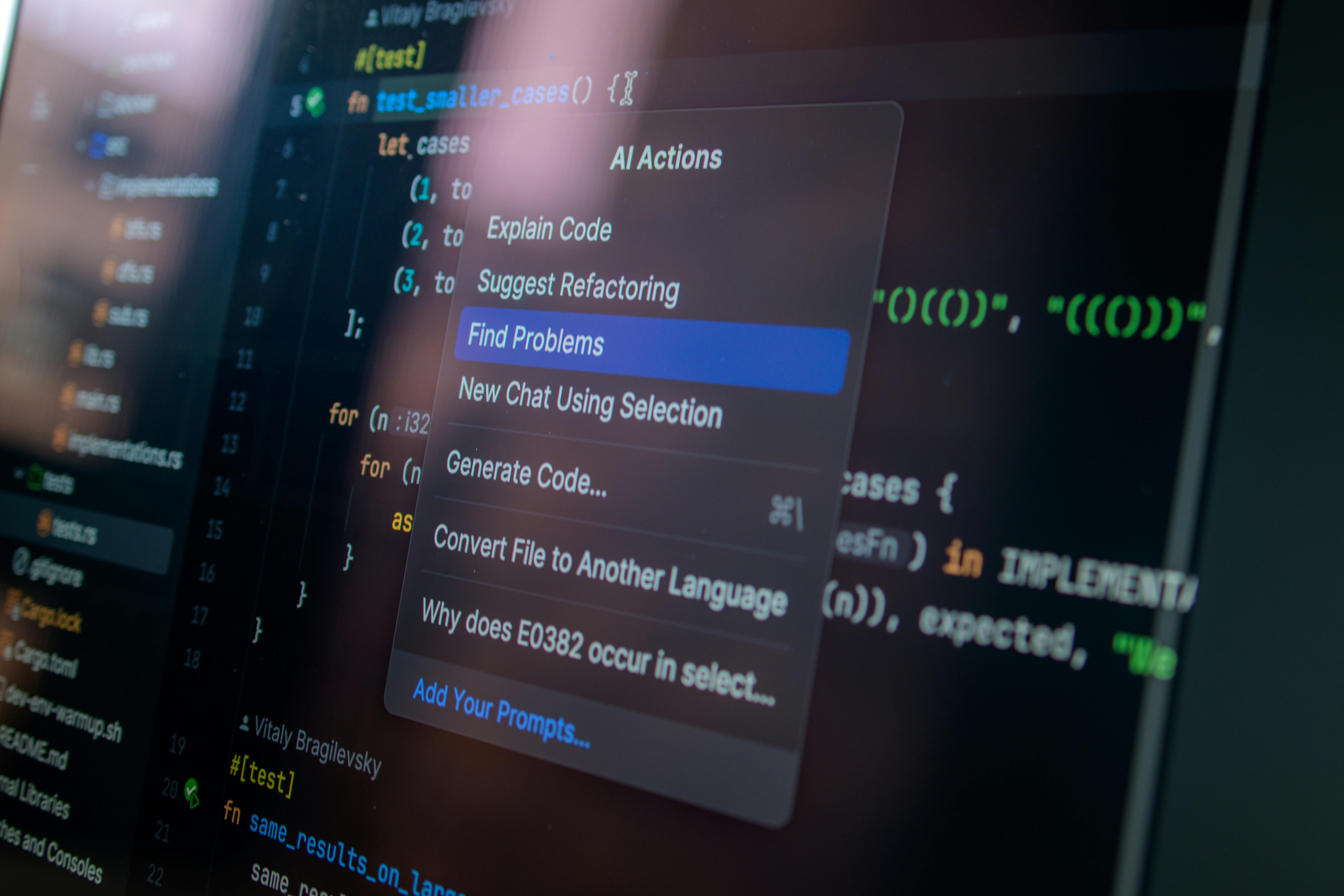
Integrating AI and automation into commercial processes can significantly improve sales team productivity, with gains estimated at 20% to 30% according to McKinsey, especially by reducing administrative tasks and improving sales targeting.
Another often underestimated lever is choosing the right B2B e-commerce platform to centralize every channel.
Teams that master the B2B sales process end to end, from prospecting to invoicing, get the most out of automation.
Finally, for companies that sell through distributor networks, an automated B2B marketplace solution makes it possible to expand commercial reach without multiplying manual tasks.
FAQ
What’s the difference between automation and digitization in B2B?
Digitalization means moving from paper to digital, for example by sending a purchase order by email instead of fax. Automation goes further: it removes human intervention from repetitive tasks by using business rules and workflows to carry out actions automatically, from order receipt all the way to delivery confirmation.

How long does it take to deploy a B2B automation project?
The timeline depends on the scope. For a single workflow such as order processing, plan on 2 to 4 months with an API-first SaaS platform. A multi-workflow project (orders, quotes, invoicing) usually takes 6 to 9 months. The main factor that speeds things up is the quality of the integration with existing systems, especially the ERP and CRM.
What’s the typical ROI of B2B process automation?
Results are visible as early as month 3. On average, companies see a 30% to 50% reduction in the time spent on repetitive tasks, a drop in data entry errors to below 1%, and a 20% to 35% shorter sales cycle. For a team of 5 sales reps, that represents between €400,000 and €600,000 in recovered sales potential per year.
Should You Replace Your ERP to Automate?
No. Modern B2B automation platforms, especially those built on an API-first architecture, integrate with existing ERPs without requiring a migration. The goal is to complement the ERP with an orchestration layer that manages workflows across different systems — CRM, the e-commerce portal, logistics — not to replace it.

.avif)

.jpg)